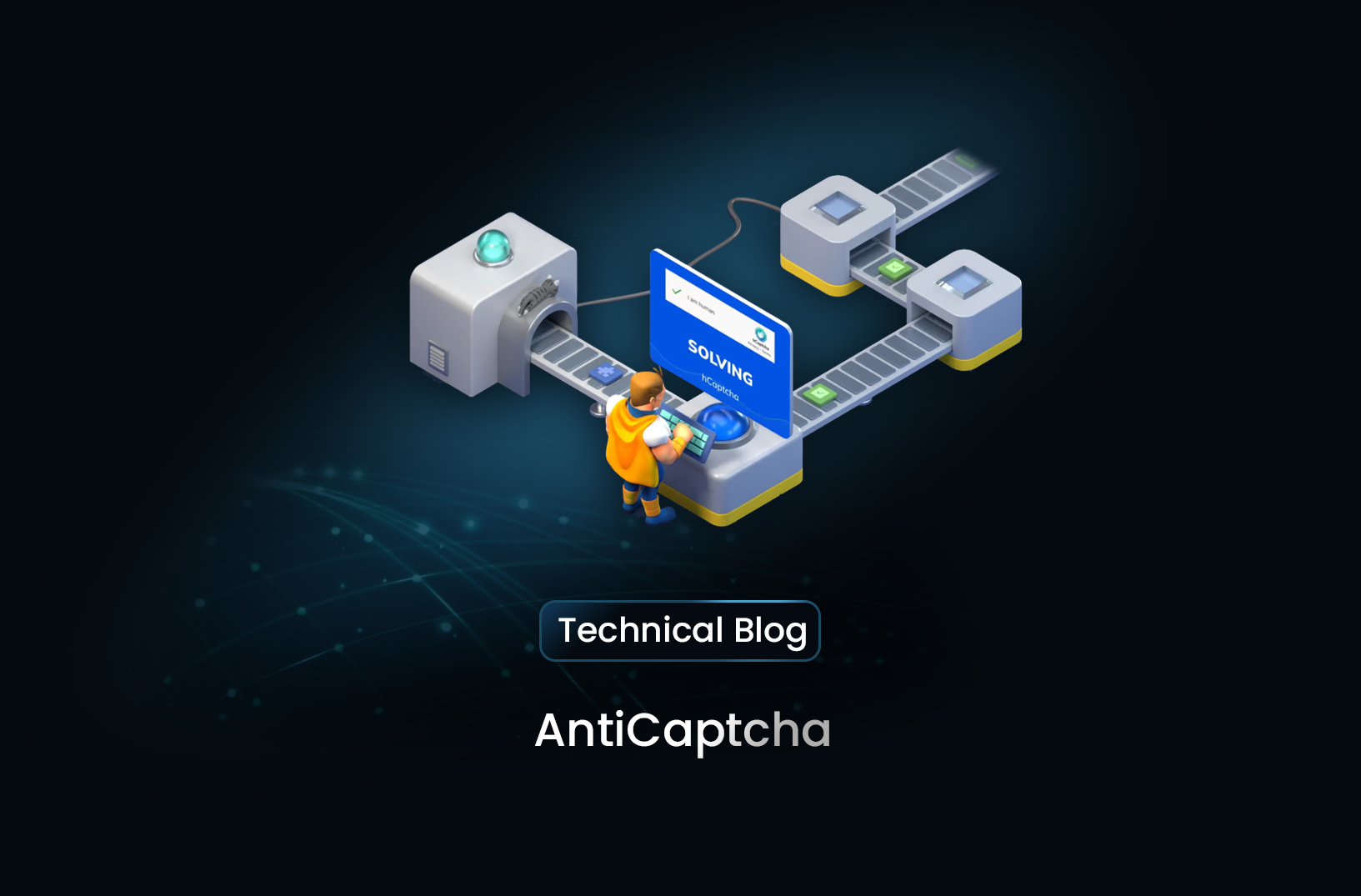
How to Integrate AntiCaptcha in Web Scraping
Web ScrapingLearn how to bypass CAPTCHAs during web scraping by integrating AntiCaptcha with Python. This guide covers API setup, SDK implementation, and token submission.
To bypass CAPTCHAs during web scraping, use a service like AntiCaptcha. Install its Python SDK and add your API key. Get the site key from the target page. Submit it to the service to get a solution token. Send the token with your HTTP request.
Getting Started
Prerequisites
- AntiCaptcha Account: Create an account on AntiCaptcha.com and acquire an API key.
- Python 3.x Installed: Ensure you have Python installed.
- AntiCaptcha Python SDK: Install the Python library with:
pip install anticaptchaofficial
Step 1: Setting Up AntiCaptcha
The first step is to configure AntiCaptcha with your API key. This key will authenticate your requests.
- Import the necessary module from the AntiCaptcha SDK.
- Set up the
AntiCaptchaClientusing your API key.
from anticaptchaofficial.recaptchav2proxyless import *

# Initialize AntiCaptcha Client
client = recaptchaV2Proxyless()
client.set_verbose(1)
client.set_key("YOUR_ANTICAPTCHA_API_KEY")
Info
Replace "YOUR_ANTICAPTCHA_API_KEY" with the API key from your AntiCaptcha account.
Step 2: Implement CAPTCHA Solving in Web Scraping
This implementation guide demonstrates how to resolve a reCAPTCHA challenge during an automated scraping session. Successful bypass requires programmatic interaction with the captcha provider API to retrieve a validation token.
- Locate the site_key within the target website source code. This public identifier is typically embedded in a container with the g-recaptcha class or a data-sitekey attribute.
- Configure the client instance with the target URL and the extracted site_key to initiate the solving process.
# Initialize parameters for the solver
target_page_url = "https://example.com"
site_identifier = "6Lc_x_ASAAAAALB06q9N_example_key"

# Configure the AntiCaptcha client
client.set_website_url(target_page_url)
client.set_website_key(site_identifier)

# Execute the solving request and retrieve the token
captcha_response = client.solve_and_return_solution()

if captcha_response != 0:
    # Use the returned g-recaptcha-response token in your subsequent request
    print("CAPTCHA Solved:", captcha_response)
else:
    # Handle errors using the provider's specific error code
    print("Error:", client.error_code)
The captcha_response variable will store the solved solution token. This string must be included in the form data or headers when submitting your scraping request to the target server.
Automating Browser Token Injection
from playwright.sync_api import sync_playwright

with sync_playwright() as p:
    browser = p.chromium.launch()
    page = browser.new_page()
    page.goto(target_url)

    # Inject the token received from AntiCaptcha
    page.evaluate(f'document.getElementById("g-recaptcha-response").innerHTML="{captcha_response}";')
    page.click("#submit-button")
    browser.close()
Step 3: Submitting CAPTCHA Token in a Request
Once the CAPTCHA is solved, the final step involves injecting the resulting token into your HTTP request. You usually send this token in the form data or in certain headers. It verifies the session and unlocks restricted content.
import requests

# The captcha_response variable comes from the solve_captcha process in Step 2
def submit_payload(target_url, captcha_token):
    # A realistic browser User-Agent is required to maintain session consistency
    headers = {
        "User-Agent": "Mozilla/5.0 (Windows NT 10.0; Win64; x64) AppleWebKit/537.36 (KHTML, like Gecko) Chrome/119.0.0.0 Safari/537.36"
    }

    # Mapping the g-recaptcha-response key for typical reCAPTCHA implementations
    payload = {
        "g-recaptcha-response": captcha_token
    }

    response = requests.post(target_url, headers=headers, data=payload)

    if response.status_code == 200:
        print("Access Granted: Successfully submitted CAPTCHA token.")
        return response.text
    else:
        print(f"Failed to bypass CAPTCHA. Status code: {response.status_code}")
        return None

# Example usage
# page_content = submit_payload("https://example.com/protected", captcha_response)
Additional Considerations
- Proxy Configuration: AntiCaptcha lets you include your proxy credentials with the task. This is critical when the solver must match your scraping IP address.
- Error Resilience: Solving services can occasionally fail or time out. You must implement robust retry logic and error logging to maintain scrape continuity when a token is not returned.
Integrating hCaptcha and Cloudflare Turnstile Bypasses
from python_anticaptcha import NoCaptchaTaskProxyless

task = NoCaptchaTaskProxyless(
    website_url="https://target-site.com",
    website_key="SITE_KEY_HERE"
)
job = client.create_task(task)
job.wait_for_solution()
token = job.get_solution_response()
Conclusion
With AntiCaptcha, bypassing CAPTCHAs becomes manageable, allowing you to automate data extraction without manual CAPTCHA solving. This guide covered basic configuration and CAPTCHA-solving workflow integration in a Python script. While AntiCaptcha works well if you need custom CAPTCHA handling in code-based setups. Mrscraper is a simpler, AI-driven scraping solution. It removes the need to set up CAPTCHA bypasses. With Mrscraper, users enter a URL. The service then manages scraping and CAPTCHA challenges automatically. This makes it ideal for anyone who wants an efficient, no-code solution.
Managing API Balance and Retry Logic
import time

def solve_with_retry(client, task, retries=3):
    for i in range(retries):
        try:
            balance = client.get_balance()
            if balance <= 0:
                raise Exception("Insufficient funds")
            return client.create_task(task)
        except Exception as e:
            if i == retries - 1:
                raise e
            time.sleep(2 ** i)
Simplify Your Data Extraction
Explore our comprehensive quickstart guides to learn how you can automate high-performance scraping workflows without manual CAPTCHA configuration.
Frequently asked questions
What is needed to start using AntiCaptcha in Python?
You need an AntiCaptcha account with a valid API key. You also need Python 3.x installed. Install the python-antimonitoring SDK using pip.
How do you find the site key for a reCAPTCHA?
The site key is usually in the target website’s source code within an HTML tag. You can often find it in the data-sitekey attribute.
What happens after AntiCaptcha solves the challenge?
The service returns a solution token. You must include it in your headers or form data. Add it when you submit the request to the target website.
Can AntiCaptcha work with proxies?
Yes, AntiCaptcha supports proxy settings, which is useful for maintaining anonymity when scraping from multiple IP addresses.
Summarize this post
Open it in your assistant of choice with the prompt ready to send.
Take a Taste of Easy Scraping!


Find more insights here
Scaling E-commerce Competitive Intelligence with Automated Data Harvesting
Scale e-commerce data harvesting with residential proxies and AI. Learn how modern data extraction s…
Scaling Data Extraction via AI-Driven Dynamic Selectors
Learn how AI-driven dynamic selectors and residential proxies reduce web scraping maintenance costs…
Why MrScraper is the Best ScraperAPI Alternative for No-Code Users
Compare ScraperAPI alternatives and discover why visual, AI-powered extraction is better for no-code…