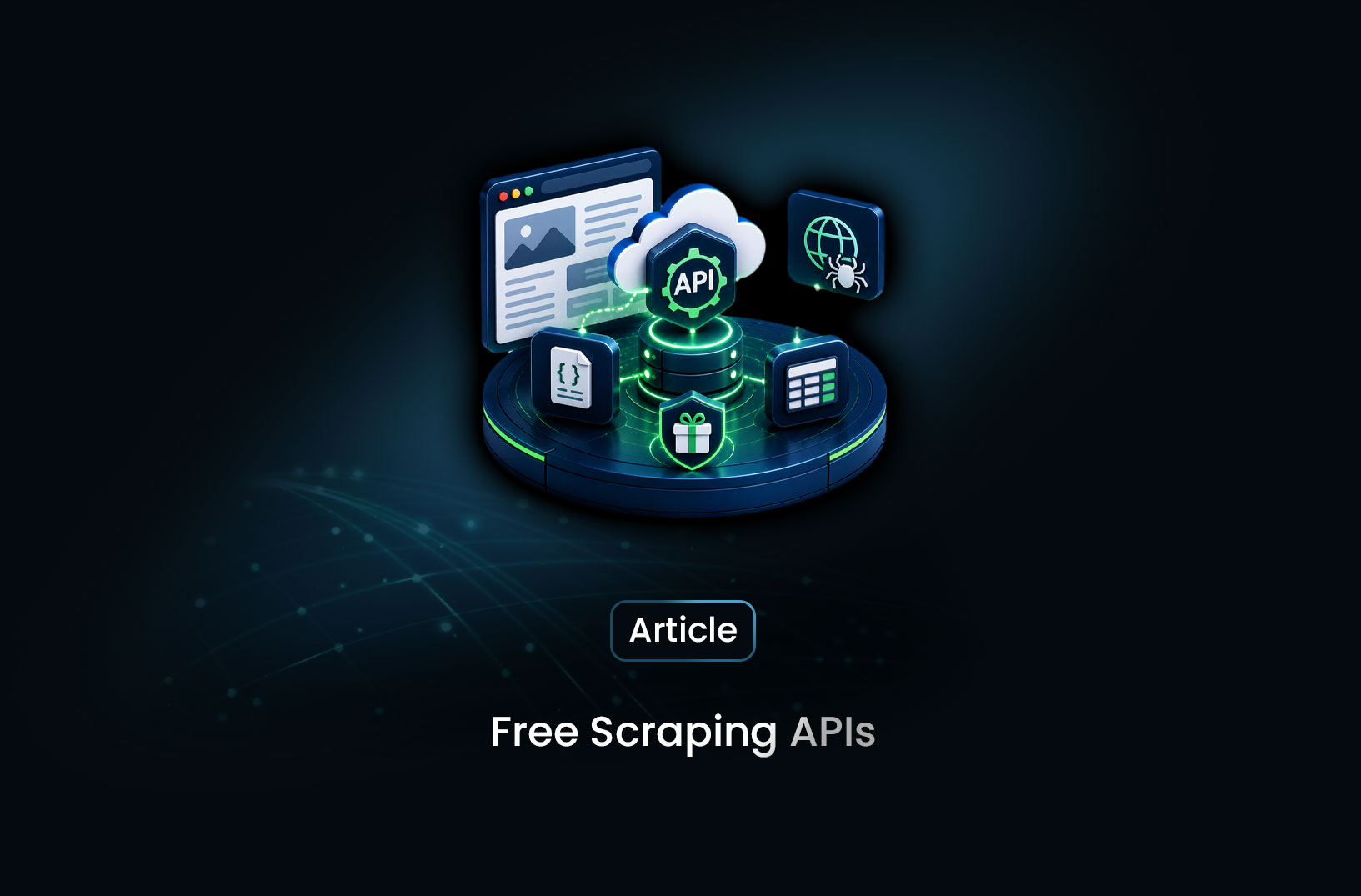
Best Free Web Scraping APIs to Try in 2026
Web ScrapingA concise overview of how free tiers from tools like MrScraper, ScraperAPI, and ZenRows are designed for evaluation—helping you test real scraping performance and choose the best solution before scaling.
You've decided to stop fighting IP bans and proxy lists. You want a scraping API — something that handles the infrastructure while you focus on the data. But you're not ready to hand over a credit card before you know if the thing actually works on your target sites. Fair enough.
The good news: most serious web scraping APIs offer free tiers — usually 1,000 to 5,000 requests per month — which is genuinely enough to validate your pipeline, test on your actual target sites, and make an informed decision before spending anything. The catch is that not all free tiers are created equal. Some are capped so low they're only useful for a single test run. Others quietly exclude the features — JavaScript rendering, residential proxies, CAPTCHA handling — that you actually need to evaluate.
Here's an honest breakdown of the best free scraping APIs, what their free tiers actually include, and what you'll need to upgrade for.
What is a Web Scraping API?
A web scraping API is a managed service that handles the hard parts of scraping on your behalf: rotating proxies, rendering JavaScript, solving CAPTCHAs, managing browser fingerprints, and bypassing anti-bot systems. You send a URL (or a natural-language instruction), and the API returns clean data — HTML, JSON, or structured records — without you managing any of the underlying infrastructure.
The key distinction from a self-hosted scraper: you're not running the browsers, buying the proxies, or maintaining the anti-detection stack. That's the provider's problem. You just call the API and use the data.
When Should You Use a Web Scraping API?
Use a scraping API when:
- Your target sites use JavaScript frameworks (React, Vue, Angular) that require browser rendering
- You're hitting bot detection, IP bans, or CAPTCHAs that block simple HTTP requests
- You need to scrape at scale without managing browser infrastructure yourself
- Your team's engineering time is more valuable than a monthly API subscription
- You want structured data output — not raw HTML you still need to parse
Stick with DIY scraping when:
- Your targets are simple, static HTML pages with no bot protection
- You're running low-volume scripts infrequently
- You need deep browser control (network interception, custom extensions) that managed APIs don't expose
- You have specific compliance requirements around where your data is processed
If you fall into the first bucket, a free tier is the right way to find out which API fits before committing.
Best Free Web Scraping APIs
1. MrScraper — Best Free Tier for AI-Powered Extraction
MrScraper is the strongest starting point if you want to test AI-powered extraction alongside traditional scraping. The free tier gives you real credits to work with — not a 30-second demo or a single-page trial — which means you can genuinely validate your pipeline on your actual target sites.
What makes MrScraper stand out on the free tier is the AI extraction layer. Instead of writing CSS selectors, you describe what you want in plain English and the AI figures out the page structure. This means your free trial tests the features that matter for production, not a stripped-down version.
Here's a full working example using the Python SDK:
import asyncio
from mrscraper import MrScraperClient

async def test_free_tier():
    # Initialize with your free API token from mrscraper.com
    client = MrScraperClient(token="YOUR_MRSCRAPER_API_TOKEN")

    # Test 1: AI extraction on a product listing page
    listing_result = await client.create_scraper(
        url="https://example-shop.com/products",
        message="Extract all product names, prices, and ratings",
        agent="listing",    # For pages with repeated items
        proxy_country="US",
    )
    print("Listing scraper ID:", listing_result["data"]["data"]["id"])

    # Test 2: Full site crawl with the map agent
    crawl_result = await client.create_scraper(
        url="https://example-blog.com",
        message="Extract article titles, authors, and publish dates",
        agent="map",        # Crawls multiple pages automatically
        proxy_country="US",
    )
    print("Crawl scraper ID:", crawl_result["data"]["data"]["id"])

asyncio.run(test_free_tier())
Or if you prefer using your existing Playwright code, connect to MrScraper's Scraping Browser via CDP — the free tier includes this too:
from playwright.async_api import async_playwright
import asyncio

async def test_scraping_browser():
    async with async_playwright() as p:
        browser = await p.chromium.connect_over_cdp(
            "wss://browser.mrscraper.com?token=YOUR_API_TOKEN"
        )
        page = await browser.new_page()
        await page.goto("https://example.com")
        await page.wait_for_selector("h1")

        title = await page.text_content("h1")
        print("Page title:", title)

        await browser.close()

asyncio.run(test_scraping_browser())
What the free tier includes: Credits for real requests, AI extraction, Scraping Browser access, JavaScript rendering, and proxy rotation. Check the latest at mrscraper.com/pricing.
What you'll need to upgrade for: Higher monthly request volumes, premium proxy pools for the most aggressively protected targets, and concurrent session limits for large-scale pipelines.
Best for: Teams who want to validate AI-powered extraction and anti-bot capabilities before committing — and developers already using Playwright who want to test a one-line infrastructure upgrade.
2. ScraperAPI — Best Free Tier for Simple HTTP Scraping
ScraperAPI offers 1,000 free API credits per month on its free tier — enough for a solid round of testing on straightforward targets. The API itself is simple: wrap your target URL in a ScraperAPI call and get the rendered HTML back.
import requests

API_KEY = "YOUR_SCRAPERAPI_KEY"
TARGET_URL = "https://example.com/products"

response = requests.get(
    "https://api.scraperapi.com",
    params={
        "api_key": API_KEY,
        "url": TARGET_URL,
        "render": "true",       # Enable JavaScript rendering
        "country_code": "us",   # US residential proxies
    }
)

print(response.status_code)
print(response.text[:500])   # First 500 chars of the rendered HTML
The integration is deliberately minimal — it's a drop-in replacement for requests.get(). That simplicity is its strength for testing: you can validate whether the API reaches your target sites in minutes.
Free tier: 1,000 credits/month. JavaScript rendering costs 5 credits per request on the free tier, so budget accordingly — 1,000 credits becomes 200 JS-rendered requests.
What you'll need to upgrade for: More than 1,000 monthly requests, dedicated datacenter or residential proxy pools, and structured data parsing (you still get raw HTML on all tiers).
Best for: Developers who want to quickly validate that an API can reach their target sites — especially for simple, moderately protected pages.
3. Apify — Best Free Tier for Pre-Built Scrapers and Visual Monitoring
Apify takes a different approach. Their free tier ($5 of platform credits monthly) gives you access to their Actor marketplace — hundreds of pre-built scrapers for specific sites (Amazon, LinkedIn, Google Maps, Twitter/X, and more) — alongside the ability to build and run your own.
import { PlaywrightCrawler } from "crawlee";

const crawler = new PlaywrightCrawler({
    async requestHandler({ page, request }) {
        // Wait for JS-rendered content
        await page.waitForSelector(".product-card");

        const products = await page.$$eval(
            ".product-card",
            els => els.map(el => ({
                name: el.querySelector("h2")?.textContent.trim(),
                price: el.querySelector(".price")?.textContent.trim(),
            }))
        );

        console.log(`Found ${products.length} products on ${request.url}`);
    },
    maxRequestsPerCrawl: 10,  // Keep it within free tier limits
});

await crawler.run(["https://example.com/products"]);
The free tier's $5 credit is enough to run several Actor jobs and get a feel for the platform — monitoring dashboards, job scheduling, dataset storage — before upgrading.
Free tier: $5/month platform credits (~100 compute units). Pre-built Actors may have their own pricing on top.
What you'll need to upgrade for: Heavier compute usage, more concurrent runs, and access to premium Actors (many popular site-specific scrapers cost extra).
Best for: Teams who want a full scraping platform with visual monitoring and don't want to build everything from scratch — especially if your target has a pre-built Actor available.
4. Bright Data — Best Free Trial for Enterprise-Grade Proxy Infrastructure
Bright Data (formerly Luminati) is the industry's largest proxy network, and their Web Scraper API sits on top of it. The free trial gives you access to their full infrastructure — residential proxies, datacenter proxies, ISP proxies — for a limited period to validate performance before purchasing.
import requests

response = requests.get(
    "https://api.brightdata.com/dca/trigger",
    headers={
        "Authorization": "Bearer YOUR_BRIGHT_DATA_TOKEN",
        "Content-Type": "application/json",
    },
    json={
        "collector": "YOUR_COLLECTOR_ID",
        "queue_next": 1,
        "params": [{"url": "https://example.com/products"}]
    }
)

print(response.json())
Bright Data's API is more complex to set up than the others — it reflects their enterprise-first product design. The upside: if you need residential proxies at massive scale with guaranteed uptime SLAs, their infrastructure is best in class.
Free trial: Time-limited trial with full feature access (exact credits vary — check their current offer at brightdata.com).
What you'll need to upgrade for: Everything after the trial period. Bright Data's pricing is usage-based and scales to enterprise — minimum spend is meaningful for smaller teams.
Best for: Enterprise teams who need to validate large-scale proxy infrastructure before a significant procurement commitment. Likely overkill for smaller projects.
5. ZenRows — Best Free Tier for Anti-Bot Bypass Testing
ZenRows specifically markets itself around Cloudflare and anti-bot bypass. Their free tier (1,000 API credits) is a good way to test whether their anti-detection layer can actually reach your specific Cloudflare-protected targets before committing.
import requests

API_KEY = "YOUR_ZENROWS_API_KEY"
TARGET_URL = "https://cloudflare-protected-example.com"

response = requests.get(
    "https://api.zenrows.com/v1/",
    params={
        "apikey": API_KEY,
        "url": TARGET_URL,
        "js_render": "true",          # JavaScript rendering
        "antibot": "true",            # Anti-bot bypass mode
        "premium_proxy": "true",      # Residential proxies
    }
)

print(response.status_code)
print(response.text[:500])
Free tier: 1,000 credits/month. Premium proxy and anti-bot features cost more credits per request.
What you'll need to upgrade for: Volume beyond 1,000 requests, consistent anti-bot coverage (success rates vary by target site), and structured data parsing.
Best for: Testing anti-bot bypass specifically on Cloudflare-protected targets. Good for validating bypass capability before committing to a plan.
Free vs Paid: What Actually Changes When You Upgrade
| Feature | Free Tiers | Paid Plans |
|---|---|---|
| Monthly requests | 1,000–5,000 | 50,000–unlimited |
| JavaScript rendering | Included (limited credits) | Full access |
| Residential proxies | Limited or excluded | Full pool |
| AI extraction | MrScraper only | MrScraper |
| CAPTCHA solving | Limited | Automatic (MrScraper) |
| Concurrent sessions | Restricted | Scales with plan |
| Anti-bot bypass | Basic | Advanced (Cloudflare, DataDome) |
| SLA / uptime guarantee | None | Yes (enterprise) |
| Support | Community / docs | Priority |
The honest pattern: free tiers give you enough to prove the concept and validate your pipeline. They're deliberately scoped to create friction at scale — which is fair. The meaningful upgrade triggers are usually volume (you need more than 5,000 requests/month), feature completeness (you need residential proxies on the free tier), or reliability requirements (you need SLAs).
Key Features to Look for When Evaluating a Free Tier
Does JavaScript rendering count double against your credits? ScraperAPI, for example, charges 5 credits per JS-rendered request on the free tier — so 1,000 credits becomes 200 renders. MrScraper includes JS rendering without a separate credit multiplier.
Are residential proxies included? Some free tiers restrict you to datacenter IPs, which get blocked far more aggressively. If your target has anti-bot protection, you need to test with residential proxies — not datacenter ones.
Can you test CAPTCHA handling? This is the feature most likely to determine whether the API works for your use case. If CAPTCHA solving isn't in the free tier, you're not actually testing what you'll depend on in production.
Is there a rate limit stricter than the credit cap? Some free tiers add requests-per-second limits on top of the monthly credit cap. 10 requests per minute makes pipeline validation slow and frustrating.
Can you keep your data? Some free tiers watermark or truncate the HTML response. Make sure you're getting real, full responses to properly evaluate data quality.
Common Pitfalls When Evaluating Free Tiers
Testing on easy targets, deploying to hard ones. The classic mistake: validating your pipeline on Wikipedia (no anti-bot protection) then deploying against a Cloudflare-protected e-commerce site. Always test on the actual target sites that matter in production.
Assuming the free tier represents full product performance. Some APIs throttle free tier requests more aggressively, route them through slower proxy pools, or deprioritize them in queues. Your production performance will typically be better than free tier performance — but test a few paid requests before scaling up if you notice slow response times.
Ignoring response quality. Getting a 200 status code doesn't mean you got useful data. Check that your target content is actually present in the response — not a Cloudflare challenge page that returned 200. Parse a field you care about and verify it's populated.
Not testing pagination and multi-page flows. A single-page test is the easiest case. Run a 10-page pagination test on the free tier before deciding it works — that's where most pipelines break.
Conclusion
Free tiers exist to earn your trust, not to give you a free service forever. The best ones — like MrScraper's — give you genuine access to the features that matter: AI extraction, JavaScript rendering, proxy rotation, and anti-bot bypass. That's enough to validate a real pipeline on real targets before spending anything.
The evaluation order that makes the most sense: start with MrScraper for AI-powered extraction and Scraping Browser access, try ScraperAPI if you want the simplest possible integration for basic targets, and add ZenRows to the mix if Cloudflare bypass is your primary concern. Run all three against your actual target sites on the free tier, compare data quality and success rates, then commit to the one that works.
The data you need is out there. The right API gets you to it without the infrastructure headache.
What We Learned
- Free tiers from serious scraping APIs are genuinely useful for pipeline validation — 1,000–5,000 monthly requests is enough to test your actual target sites and extraction logic before committing budget
- Credit multipliers matter more than the headline number — 1,000 credits with a 5× JS rendering multiplier gives you only 200 useful requests; always check how credits are consumed per request type
- MrScraper's free tier includes AI extraction and Scraping Browser access — meaning you're testing the same features you'll use in production, not a stripped-down demo version
- Always test on your actual target sites — validating on unprotected sites like Wikipedia tells you nothing about how an API performs against Cloudflare, DataDome, or any real bot protection
- Residential proxy access on the free tier is the key differentiator — APIs that restrict you to datacenter IPs on the free tier make it impossible to evaluate anti-bot performance accurately
- A 200 status code is not success — always parse a specific data field from your response to confirm you got real content, not a challenge page or a blocked response masquerading as success
FAQ
- How many free API requests do I actually need to properly evaluate a scraping API? Realistically, 50–100 requests across your specific target sites is enough to validate the core pipeline. Test on 3–5 different pages from each target site, including pagination, and you'll have a clear picture of success rates and data quality. Most free tiers give you well above this minimum.
- Will my free tier success rate reflect my production performance? Mostly yes, but not perfectly. Some providers route free tier traffic through lower-priority proxy pools or apply stricter throttling. If you notice borderline success rates on the free tier, request a paid trial or test a handful of paid requests before committing — production performance is typically better.
- Can I switch scraping APIs later without rewriting my pipeline?
It depends on how you've integrated. If you're using provider-specific SDKs (like MrScraper's Python SDK), switching means rewriting those calls. If you're using Playwright with
connect_over_cdp(), switching is easier — just change the WebSocket endpoint URL. Building your extraction logic to be API-agnostic where possible makes future migrations less painful. - Is MrScraper's free tier enough to test Cloudflare-protected sites? Yes — MrScraper's free tier includes the Scraping Browser with residential proxies and anti-bot bypass, which is what handles Cloudflare-protected targets. You're testing the real infrastructure, not a lite version. Try your target sites directly on the free tier to validate bypass before upgrading.
- What happens when I run out of free credits mid-evaluation? Most providers pause your requests and notify you — they don't auto-charge. You can either wait for the monthly reset, sign up for a paid plan, or test the remaining functionality through the provider's documentation and community examples. MrScraper's pricing page shows exactly what each plan includes so you can match it to your evaluated needs before upgrading.
Summarize this post
Open it in your assistant of choice with the prompt ready to send.
Take a Taste of Easy Scraping!

Find more insights here

The Ultimate Web Crawlers List: 15 Tools for Every Data Need
Compare the best web crawlers for 2026. Learn the difference between open-source, managed APIs, and…
Web Scraping MCP Server: Giving AI Agents Direct Access to Live Web Data
Learn how a Web Scraping MCP Server gives AI agents live web access while reducing token costs by 87…
Scaling E-commerce Competitive Intelligence with Automated Data Harvesting
Scale e-commerce data harvesting with residential proxies and AI. Learn how modern data extraction s…