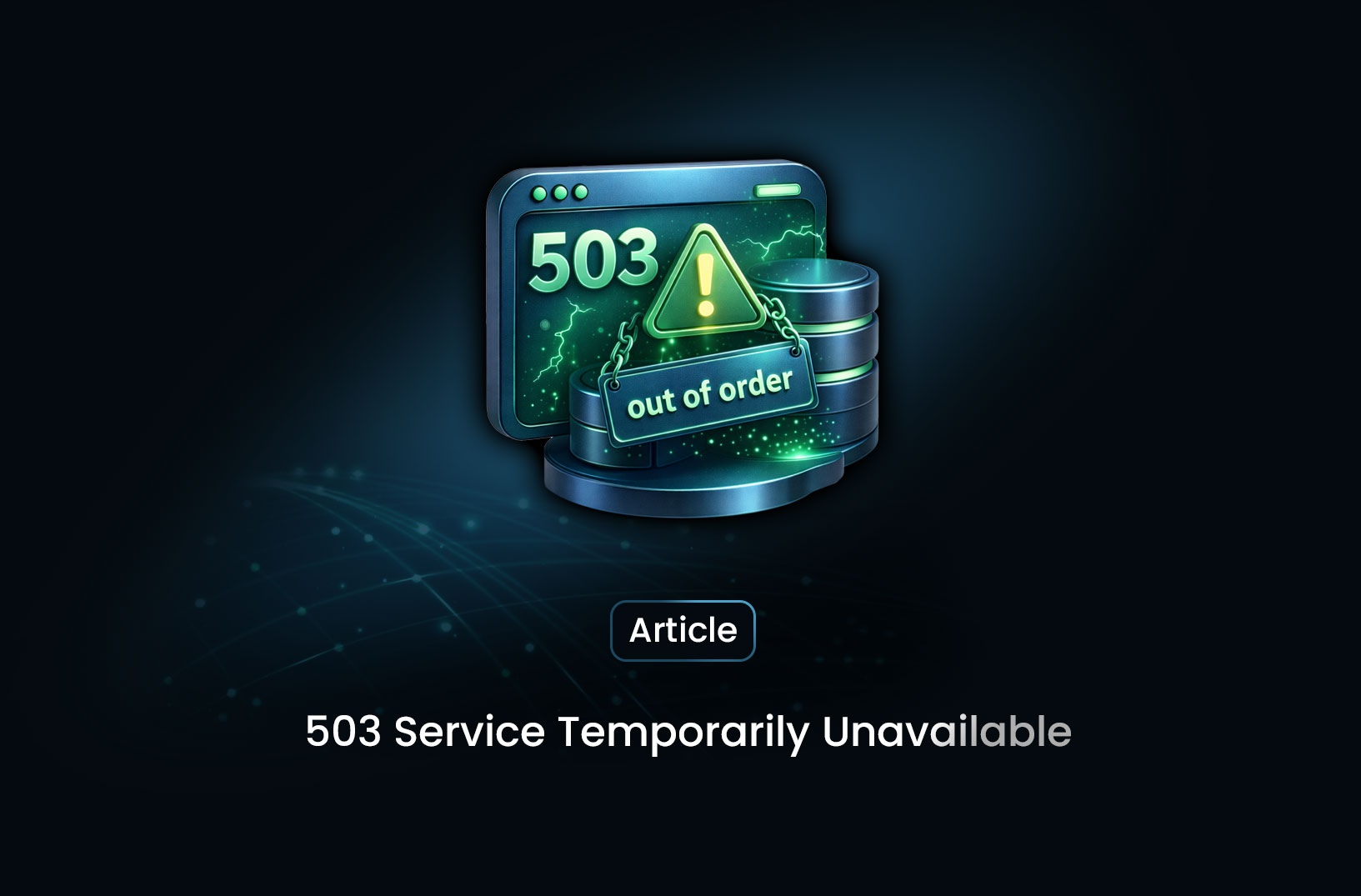
503 Service Temporarily Unavailable: A Guide
Web ScrapingIf you’ve ever visited a website or tried to load an API and instead saw a message like **“503 Service Temporarily Unavailable”**, you’re not alone.
If you’ve ever visited a website or tried to load an API and instead saw a message like “503 Service Temporarily Unavailable”, you’re not alone. This is one of the most common HTTP status codes indicating a temporary problem on the server side, and understanding what it means helps you troubleshoot issues, optimize uptime, and set expectations for users or clients when something goes wrong.
Below, we break down what the 503 Service Temporarily Unavailable error is, what causes it, how it differs from other server errors, and how developers and site owners typically address it.
What Is a 503 Service Unavailable Error?
When your browser (or any client such as an API client, mobile app, or automated script) requests a resource from a server, the server responds with an HTTP status code along with the content (or an error message). A 503 Service Unavailable is a server-side error status code indicating that the server is temporarily unable to fulfill the request.
In technical terms, the server is operational but is unable to handle the current request due to a temporary condition. This is different from errors indicating the resource doesn’t exist (like a 404) or an internal processing problem (like a 500).
The nature of the 503 code suggests that the problem should resolve itself, either when server load decreases, maintenance completes, or the underlying issue has been fixed.
Why 503 Errors Happen
A 503 status code is almost always transient and tied to the state of the server or services it depends on. Some of the most common causes include:
1. Server Overload
If your server receives more requests than it can handle, perhaps due to a sudden spike in traffic, it may start rejecting new requests with a 503 so that resource exhaustion doesn’t lead to more serious failures.
This situation often occurs during high-visibility events such as product launches or viral content distribution.
2. Scheduled Maintenance
System administrators sometimes take services offline on purpose to apply patches, update software, or reconfigure systems. Rather than failing silently or leaving users confused, servers commonly return a 503 response during maintenance windows.
Because this type of outage is expected and planned, it is by design temporary.
3. Insufficient Resources
Servers have limits on CPU, memory, network sockets, file handles, and database connections. If your application exceeds these limits (for example, due to heavy application logic or misbehaving processes) the server may stop servicing new requests temporarily.
This often happens in shared hosting environments where resource allocation is restricted.
4. Backend Dependencies Fail
Many applications rely on external systems like databases, third-party APIs, message queues, or microservices. If any of these fail or timeout, your server might respond with a 503 because it cannot complete the user’s request without that backend service.
5. Misconfigurations or Faulty Code
Incorrect server settings, configuration errors in frameworks (e.g., .htaccess, NGINX config), or application code loops that leak resources can result in 503 responses when the server can’t process requests correctly.
6. Security and Network Issues
Firewall configurations, load balancer health checks, or overly aggressive rate limiting can mistakenly block or disrupt legitimate traffic, leading to temporary unavailability messages with 503 status codes.
How 503 Errors Appear to Users
When a 503 error occurs, the user may see variations of the message depending on the server software or hosting platform:
- “503 Service Temporarily Unavailable”
- “HTTP Error 503”
- “Service Unavailable”
- “The server is temporarily unable to service your request”
Some servers also include a Retry-After HTTP header that tells clients how long to wait before retrying. This is useful for automated systems or crawlers that respect retry policies.
How a 503 Differs From Other Server Errors
Understanding what makes the 503 unique clarifies how to respond:
| Status Code | Meaning | Typical Cause |
|---|---|---|
| 500 | Internal Server Error | Generic server malfunction |
| 502 | Bad Gateway | Upstream server returned an invalid response |
| 503 | Service Unavailable | Server is temporarily unable to handle the request |
| 504 | Gateway Timeout | Upstream server failed to respond in time |
The key distinction is that a 503 indicates temporary unavailability rather than a fundamental processing error or missing resource.
What Developers and Site Owners Do About It
For End Users:
- Refresh the page after a few moments
- Clear browser cache and retry
- If the site is critical, check a service status page or contact support
Because the issue is on the server side, users often have limited control over a true 503 condition.
For Site Administrators and Developers:
- Monitor Server Load: Use tools to check CPU, memory, and connection pool usage to determine if capacity limits are being hit.
- Manage Scheduled Maintenance: Configure maintenance windows and employ friendly maintenance pages to inform users.
- Check Logs: Server and application logs often reveal underlying faults before the 503 surface issue.
- Inspect Dependencies: Ensure databases, caching layers, and backend services are healthy and reachable.
- Adjust Configurations: Load balancer, firewall, and server configuration quirks can inadvertently cause overload triggers.
Because the 503 code signals temporary unavailability, addressing the root cause and restoring resources typically clears the error quickly.
Best Practices to Reduce 503 Outages
- Plan for Traffic Spikes: Use auto-scaling and load balancing where appropriate.
- Use Graceful Maintenance Windows: Inform users with a branded maintenance page and appropriate Retry-After headers.
- Monitor Resource Consumption: Alert if CPU or memory approaches thresholds.
- Implement Health Checks: Ensure backend services signal readiness before routing traffic.
- Cache Static Content: Reduce load on backend systems by serving caching layers or CDNs.
These practices help minimize the impact of temporary unavailability and improve overall resilience.
Conclusion
503 Service Temporarily Unavailable is a clear signal from a server that it cannot handle your request at this time. Whether caused by overload, maintenance, configuration issues, or backend dependencies, the condition is intended to be temporary and recoverable once the underlying issue is resolved. Understanding the causes and how to respond, both as a user and as a website operator, makes navigating and mitigating 503 errors far more straightforward.
If you manage websites, APIs, or web applications, integrating robust monitoring, meaningful error pages, and resource-aware architectures will reduce both the frequency and user impact of 503 errors.
Summarize this post
Open it in your assistant of choice with the prompt ready to send.
Take a Taste of Easy Scraping!

Find more insights here

Use MrScraper MCP to Compare Public SaaS Pricing and Plan Limits
Build a source-backed SaaS plan comparison using MrScraper MCP. Preserve prices, quotas, billing ter…
Build a Product Attribute Classifier with LangChain and MrScraper
Build a LangChain workflow that extracts product evidence with MrScraper, normalizes attributes and…
Create a Source-Verified Question-and-Answer Dataset From Web Pages
Build a question-and-answer dataset from your own documentation pages. Every answer is an exact span…