
How to Send a cURL GET Request with the Mrscraper API
Web ScrapingLearn how to send a cURL GET request, use headers and authentication, retrieve data from a public API, and fetch scraping results from the Mrscraper API.
To send a cURL GET request, use cURL’s GET syntax with the target URL. Add required headers, such as authentication. Substitute the result ID when you retrieve data from the Mrscraper API.
What is cURL?
cURL (Client URL) is a command-line tool used for transferring data using URLs. It's a versatile tool that supports several protocols such as HTTP, FTP, and more. In the context of web scraping or APIs, cURL is frequently used to make HTTP requests to fetch or send data.
Syntax of a Basic cURL GET Request
The command below shows how to send a curl get request to an API endpoint.
curl https://api.example.com/resource
It sends a GET request to the supplied URL and, when successful, retrieves the endpoint's response data. GET is cURL's default method, so -X GET is optional, but specifying it can make the intended method explicit.
- -X GET explicitly selects GET, although cURL uses GET by default.
- -H is used to set headers such as Authorization or Content-Type.
- -d adds data to request bodies, typically for POST or PUT requests.
For GET requests, you usually do not need a request body. But you may need headers for auth tokens or other endpoint needs.
Example: Fetching Data with cURL
A simple example of how to send a curl get request fetches data from a public API.
curl -X GET "https://api.example.com/v1/items" \
-H "Authorization: Bearer YOUR_API_TOKEN"
The -X GET flag specifies the request method, while -H adds an authorization token to the request header. If successful, the server returns data, usually as JSON. Replace the example URL and token with values for the API you are calling.
Using cURL to Get Results from Mrscraper API
Now that we’ve covered the basics of cURL and GET requests, let’s see how you can use it to fetch scraping results from the Mrscraper API.
Mrscraper API Overview
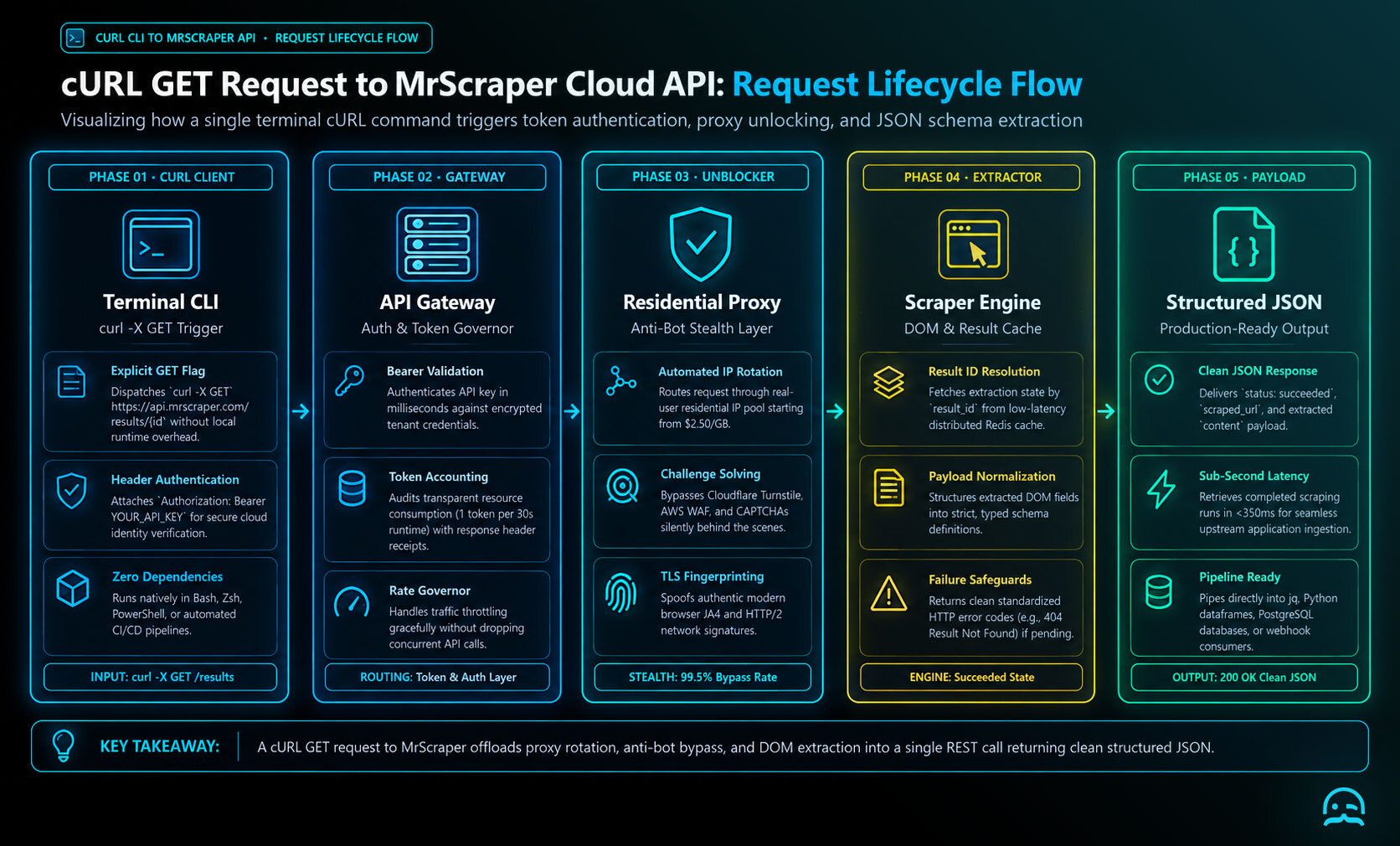
The Get a Result endpoint in the Mrscraper API allows you to retrieve scraping results by result_id. Below is a step-by-step guide on how to do this.
Step-by-Step Guide:
- Get Your API Key
First, you need an API key to authenticate your request. This can be obtained from your Mrscraper account dashboard.
- Make the GET Request
Using cURL, the request to the Get a Result endpoint would look like this:
curl -X GET "https://api.mrscraper.com/results/{result_id}" \\
-H "Authorization: Bearer YOUR_API_KEY"
- Example Response
If successful, you’ll receive a response like the following in JSON format:
{
  "data": {
    "id": 1,
    "scraper_id": 88683,
    "scraping_run_id": 12,
    "scraper_name": "My scraper 1",
    "scraped_url": "https://example.com/scrape-url",
    "status": "succeeded",
    "content": "<your-extracted-data>",
    "created_at": "2022-11-20T11:54:52.000000Z",
    "updated_at": "2022-11-20T11:54:52.000000Z"
  }
}
- Handling Errors
If an error occurs, the API will return an appropriate status code and message. For example:
{
  "error": "Result not found",
  "status": 404
}
Important Note
- Replace
{result_id}with the actual result ID you want to fetch. - Always ensure you use your API key in the request header.
Conclusion:
Using cURL to send GET requests is a powerful and straightforward way to interact with APIs like Mrscraper. By following the steps in this guide, you can quickly retrieve data from any compatible API endpoint.
What We Learned
- cURL is a command-line tool for transferring data through URLs and supports protocols including HTTP and FTP.
- A basic cURL GET request retrieves data from a specified endpoint; headers can provide authentication or other request information.
- The Mrscraper API’s Get a Result endpoint retrieves scraping results using an API key and the relevant result_id.
- Successful requests return data, while errors produce an appropriate status code and message.
Continue with the Mrscraper API quickstart
Use the Mrscraper quickstart resources to apply cURL GET requests to your data extraction workflow.
Summarize this post
Open it in your assistant of choice with the prompt ready to send.
Take a Taste of Easy Scraping!

Find more insights here
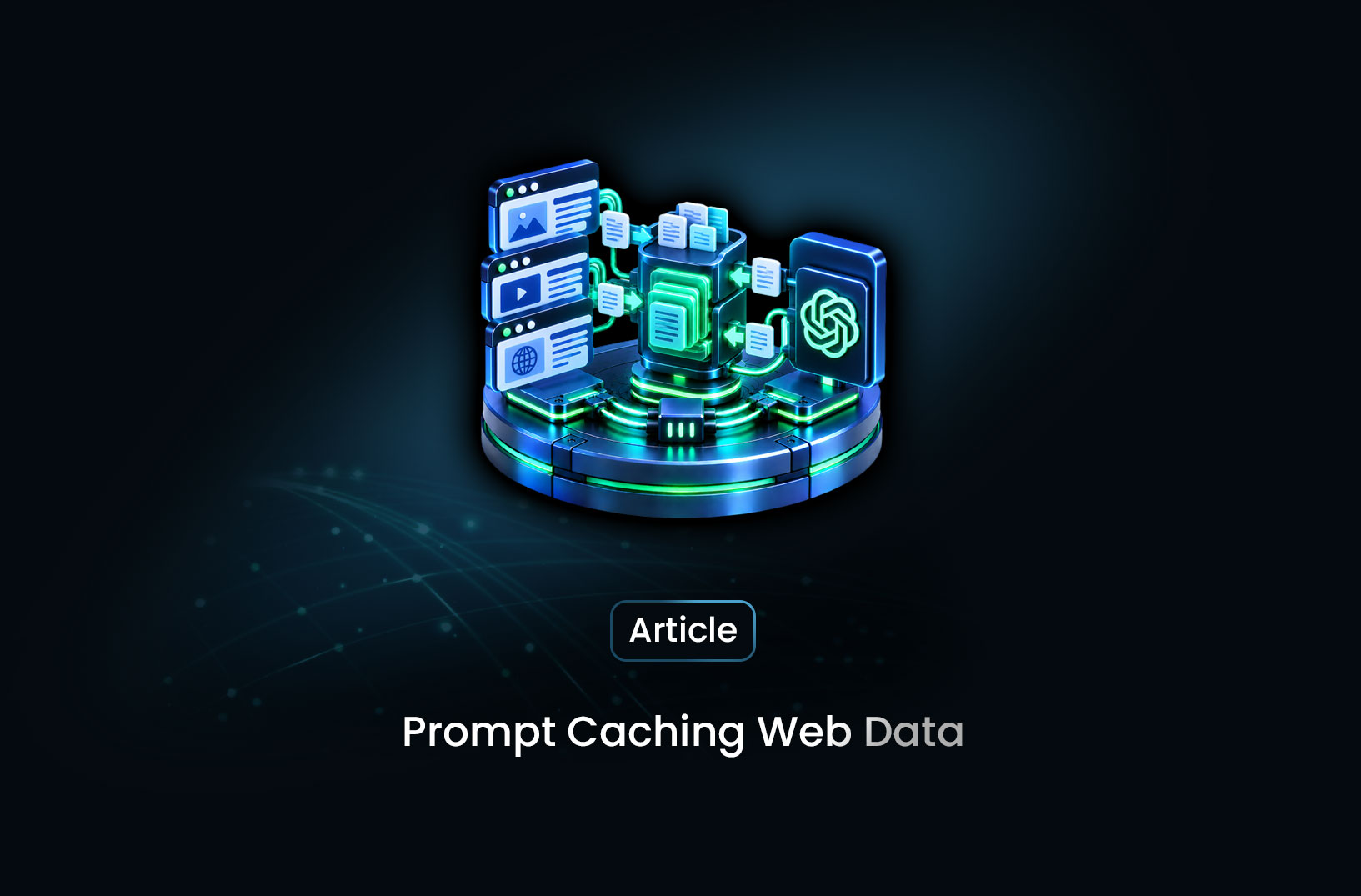
Use Prompt Caching for Repeated Analysis of Web Documents
Use your LLM provider's prompt caching when you analyze many extracted web pages. Keep stable prompt…
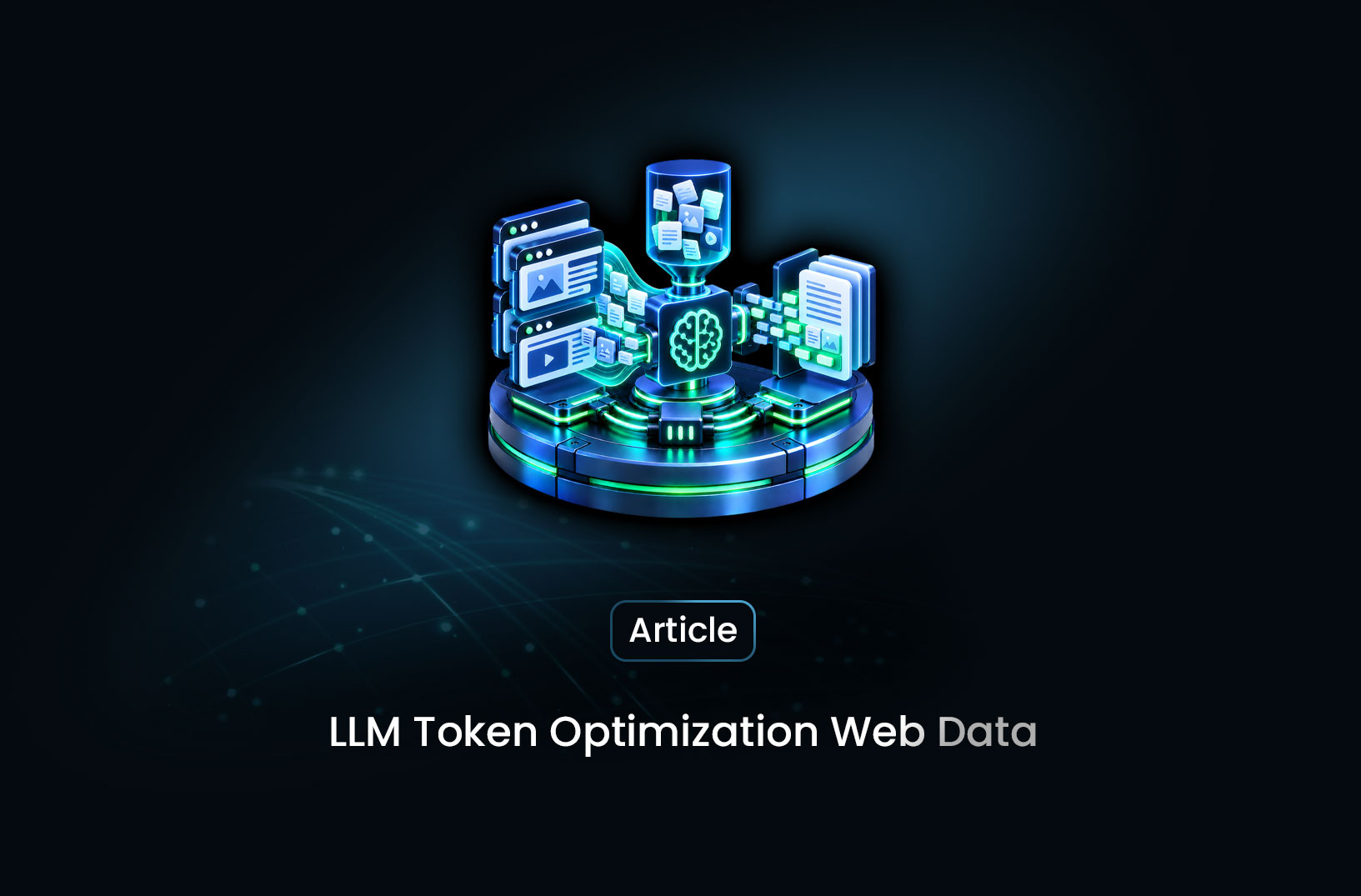
Measure and Reduce LLM Token Use in Web Data Applications
Measure how many LLM tokens HTML, Markdown and field-only JSON use for the same pages, check answer…

Build a Knowledge Graph From Web Pages With Source Provenance
Turn permitted web pages into an evidence-backed knowledge graph. Define entities and relationships,…