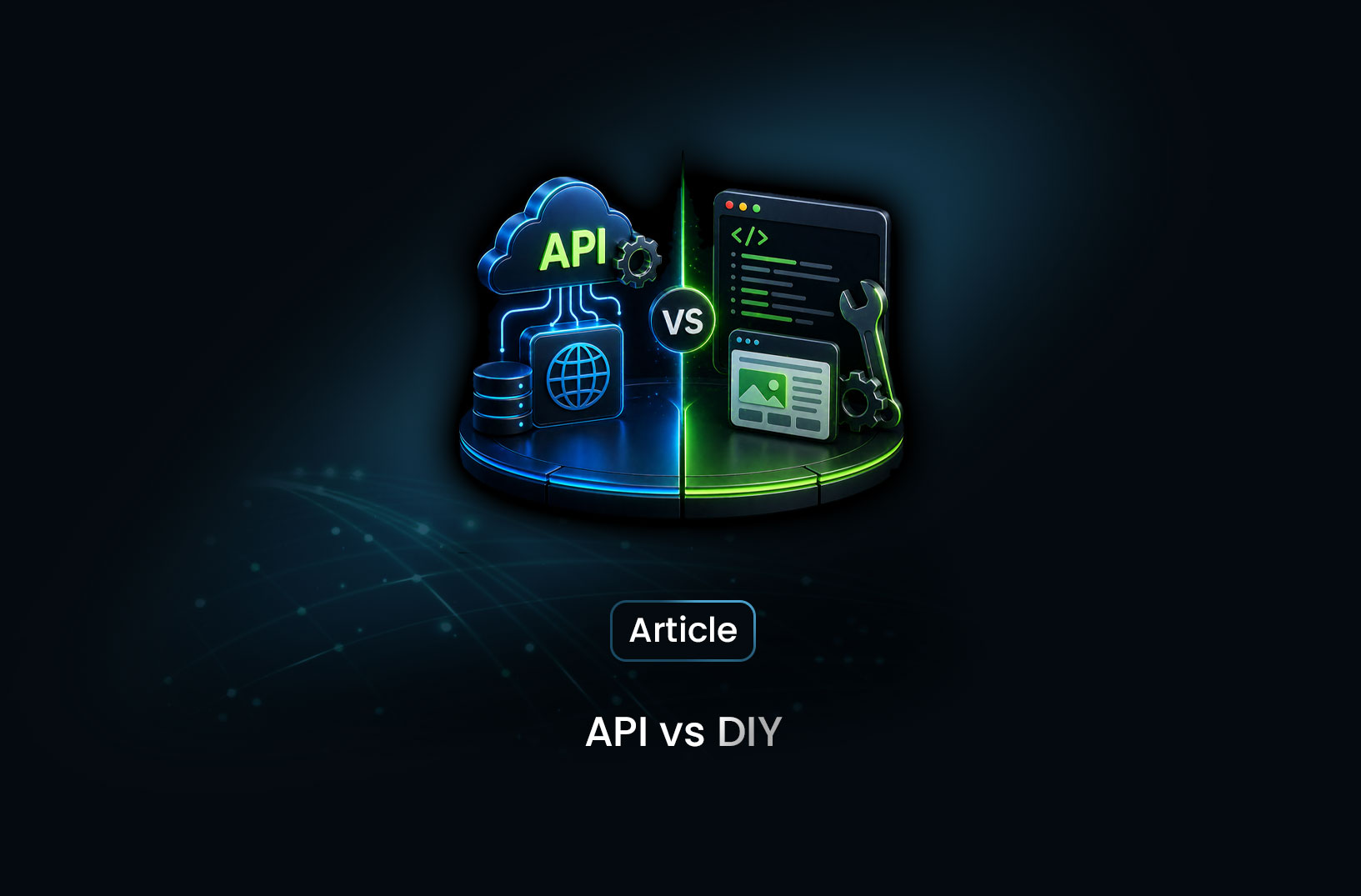
Web Scraping API vs DIY Scraper: Which Wins?
Web ScrapingA concise overview of the DIY vs. scraping API tradeoff, showing when custom scrapers make sense and when platforms like MrScraper become the more reliable, scalable choice for production workloads.
Every developer who needs web data eventually faces this fork in the road. Do you roll up your sleeves and build a custom scraper — full control, no recurring costs, your architecture your way? Or do you reach for a scraping API — faster to ship, someone else's problem to maintain, but a line item on the budget forever?
The honest answer: it depends on your scale, your target sites, and how much you value your engineering time. For small, simple, unprotected targets — DIY wins on cost. For anything involving anti-bot protection, JavaScript rendering, or production reliability at scale — a scraping API pays for itself faster than you'd expect. Neither is universally better. But choosing wrong costs real money either way.
Let's break it down properly so you can make the right call for your specific situation.
What is a DIY Scraper?
A DIY (do-it-yourself) scraper is exactly what it sounds like — a custom-built script or application you write and maintain yourself to extract data from websites. The typical stack looks something like this:
- Requests + BeautifulSoup (Python) — for simple, static HTML pages
- Playwright or Puppeteer — for JavaScript-heavy sites that need browser rendering
- Scrapy — for large-scale crawling with a structured framework
- Your own proxy infrastructure — to avoid IP bans
- Your own CAPTCHA solving integration — for protected sites
The appeal is obvious: you're in complete control, there's no vendor dependency, and the core libraries are free. For a quick script that scrapes one simple site occasionally, this is entirely the right approach.
But here's the catch — the moment your target has bot protection, uses dynamic JavaScript, or you need to run this reliably at scale, "free" stops being free. You're now paying with engineering hours instead of dollars.
What is a Web Scraping API?
A web scraping API is a managed service that handles the infrastructure layer of scraping on your behalf — proxy rotation, JavaScript rendering, CAPTCHA solving, browser fingerprinting, anti-bot bypass — and returns you the page content or structured data via a simple HTTP or SDK call.
Instead of building and maintaining all that infrastructure yourself, you send a request to the API and get data back. The operational complexity is someone else's problem.
MrScraper is a strong example of a modern scraping API. Beyond basic proxy rotation and rendering, it offers AI-powered data extraction through a natural-language message parameter — so you're not just getting raw HTML back, you're getting structured, parsed data that's ready to use. You describe what you want in plain English, and the AI extracts it.
Head-to-Head Comparison
Setup Time
DIY: Getting a basic Requests + BeautifulSoup scraper running takes minutes. Getting a production-ready scraper with proxy rotation, retry logic, CAPTCHA handling, and JavaScript rendering takes days to weeks — depending on your target sites' complexity.
Scraping API: You're making API calls within minutes of getting an API key. Here's what a full data extraction with MrScraper looks like:
import asyncio
from mrscraper import MrScraperClient

async def extract_data():
    client = MrScraperClient(token="YOUR_MRSCRAPER_API_TOKEN")

    result = await client.create_scraper(
        url="https://example.com/products",
        message="Extract all product names, prices, and ratings",
        agent="listing",    # Optimized for pages with multiple repeated items
        proxy_country="US",
    )

    scraper_id = result["data"]["data"]["id"]
    print("Extraction started. Scraper ID:", scraper_id)

asyncio.run(extract_data())
That's it. No proxy list. No headless browser setup. No CAPTCHA integration. The message parameter tells the AI what to extract in plain English — and it figures out the page structure on its own.
Winner: Scraping API — dramatically faster to ship, especially for anything beyond simple static pages.
Cost
This is the comparison that requires the most honest math, because "free vs. paid" is deceptively simple.
DIY true cost breakdown:
| Cost Item | Estimated Monthly Cost |
|---|---|
| Residential proxies (5GB @ $12/GB) | $60 |
| CAPTCHA solving service (10,000 solves) | $5–$20 |
| Cloud server to run scrapers | $20–$100 |
| Engineering time (maintenance, fixes, anti-bot updates) | $500–$2,000+ |
| Total | $585–$2,170+/month |
And that engineering time estimate is conservative. Every time a target site updates its layout, changes its anti-bot vendor, or shifts to a new JavaScript framework — someone has to fix the scraper. If that's a senior developer at $100+/hour, "free" becomes very expensive very fast.
Scraping API cost: Varies by provider and volume, but MrScraper's plans are designed to be competitive with the total cost of the DIY stack — without the maintenance overhead. Check current pricing at mrscraper.com/pricing.
The break-even point for most teams scraping protected sites regularly is somewhere around 10–20 hours of engineering time per month. If your DIY scraper requires more maintenance than that — and most production scrapers targeting protected sites do — a scraping API is almost certainly cheaper.
Winner: DIY for simple, low-volume scraping. Scraping API for anything requiring ongoing maintenance.
Anti-Bot Bypass Capability
This is where the comparison gets starkly one-sided for modern scraping targets.
DIY: Out of the box, zero anti-bot capability. You can add:
puppeteer-extra-stealth— patches obvious signals, but in a constant arms race with detection vendors- Manual proxy rotation — effective until your proxy pool gets flagged
add_init_script()fingerprint spoofing — covers navigator properties but not hardware-level canvas/WebGL fingerprints- Third-party CAPTCHA solving — adds latency and another dependency
Here's an honest DIY attempt at bypassing basic Cloudflare protection with Playwright:
from playwright.async_api import async_playwright
import asyncio
import random

USER_AGENTS = [
    "Mozilla/5.0 (Windows NT 10.0; Win64; x64) AppleWebKit/537.36 (KHTML, like Gecko) Chrome/124.0.0.0 Safari/537.36",
    "Mozilla/5.0 (Macintosh; Intel Mac OS X 10_15_7) AppleWebKit/537.36 (KHTML, like Gecko) Chrome/124.0.0.0 Safari/537.36",
]

async def diy_bypass_attempt(url):
    async with async_playwright() as p:
        browser = await p.chromium.launch(headless=True)
        context = await browser.new_context(
            user_agent=random.choice(USER_AGENTS),
            viewport={"width": 1920, "height": 1080},
            locale="en-US",
            timezone_id="America/New_York",
        )
        page = await context.new_page()

        # Patch the most obvious bot signal
        await page.add_init_script("""
            Object.defineProperty(navigator, 'webdriver', { get: () => undefined });
        """)

        await page.goto(url)

        # Works on basic protection... but Cloudflare Enterprise will likely still block you
        content = await page.content()
        await browser.close()
        return content

asyncio.run(diy_bypass_attempt("https://cloudflare-protected-site.com"))
This covers the basics. But as Cloudflare's Bot Management documentation describes, their detection uses hundreds of signals simultaneously — canvas fingerprints, TLS fingerprints, behavioral analysis, JavaScript challenge responses. Software-level patching of a headless browser covers maybe 20% of what Cloudflare checks.
Scraping API: MrScraper's Scraping Browser handles anti-bot bypass at the infrastructure level — real browser profiles on real hardware, residential proxy rotation, transparent CAPTCHA solving, and continuously updated fingerprint randomization. When Cloudflare updates its detection, MrScraper updates its bypass. You don't touch your code.
Winner: Scraping API — by a decisive margin for any site with serious anti-bot protection.
Flexibility and Customization
DIY: Complete freedom. You can intercept and modify network requests at the protocol level, inject custom browser extensions, implement custom retry logic with whatever backoff strategy fits your use case, store data exactly where and how you want, and integrate with any pipeline you're building. Nothing is off limits.
Here's something you can do with a DIY Playwright scraper that's harder with an API — intercepting network responses to capture raw API calls a page makes:
async def intercept_api_calls(page):
    captured_data = []

    # Listen to all network responses
    async def handle_response(response):
        if "api/products" in response.url and response.status == 200:
            try:
                data = await response.json()
                captured_data.append(data)
            except Exception:
                pass

    page.on("response", handle_response)

    await page.goto("https://example.com/shop")
    await page.wait_for_load_state("networkidle")

    return captured_data  # Raw API data — cleaner than scraping the HTML
This kind of low-level network interception is genuinely powerful — and it's exactly the sort of thing that's difficult or impossible with a managed API. For use cases that require it, DIY is the only option.
Scraping API: You're working within the API's design. MrScraper's SDK is flexible — listing agent, general agent, map agent, LangChain integration, configurable depth and page limits — but you're ultimately constrained by what the API exposes. Network-level interception, custom browser extensions, proprietary retry strategies — not available.
Winner: DIY — when deep customization or low-level browser access is genuinely required.
Scalability
DIY: Scaling a DIY scraper is a project in itself. Each headless Chromium instance consumes 200–400MB of RAM. Running 50 concurrent scrapers means 10–20GB of RAM just for browsers, before your application. You need load balancing, crash recovery, queue management, and distributed job scheduling. Teams often end up rebuilding Scrapy Cloud or a mini version of it from scratch.
Scraping API: Scaling is as simple as making more concurrent requests. With MrScraper's map agent, you can crawl an entire site with a single SDK call:
import asyncio
from mrscraper import MrScraperClient

async def crawl_entire_site():
    client = MrScraperClient(token="YOUR_MRSCRAPER_API_TOKEN")

    result = await client.create_scraper(
        url="https://example.com",
        message="Extract product names, prices, and availability from each page",
        agent="map",         # Crawls the full site automatically
        proxy_country="US",
    )

    print("Site crawl started:", result["data"]["data"]["id"])

asyncio.run(crawl_entire_site())
No queue management. No load balancer. No RAM calculations. The infrastructure scales on MrScraper's end.
Winner: Scraping API — the operational complexity difference at scale is enormous.
Reliability and Maintenance
DIY: Websites change. Anti-bot vendors update. JavaScript frameworks evolve. Your scraper breaks — silently, often — and someone has to notice, diagnose, and fix it. For a single site, this is manageable. For a portfolio of 50 target sites, it's a full-time job.
Scraping API: When the target site changes its layout, MrScraper's AI extraction adapts — because it's reading content semantically, not targeting specific CSS selectors. When anti-bot vendors update their fingerprinting, MrScraper updates its bypass logic. Your code doesn't change; the infrastructure handles it.
Winner: Scraping API — especially for multi-site pipelines or any production system where silent failures are unacceptable.
When to Use Each One
Go DIY when:
- Your target site is simple, static, and has no anti-bot protection
- You're building a one-off script or personal project with minimal volume
- You need network-level browser access (request interception, custom extensions)
- Budget is the primary constraint and engineering time is genuinely free
- You're learning web scraping and want to understand how it works from first principles
Go with a Scraping API when:
- Your target uses Cloudflare, DataDome, PerimeterX, or any anti-bot system
- You're scraping at scale (hundreds to millions of pages)
- You want structured data, not raw HTML — without writing parsers for every site
- Reliability matters — you need the pipeline running without constant babysitting
- Your team's time is better spent on the product than on scraping infrastructure
The hybrid approach (what most mature teams end up doing):
Prototype with DIY Playwright locally — fast, free, lets you validate your extraction logic. Once you've confirmed the data pipeline works, flip to MrScraper's Scraping Browser with connect_over_cdp() for production. Your Playwright code stays the same; the infrastructure underneath upgrades. Best of both worlds.
Common Pitfalls to Avoid
Underestimating DIY maintenance costs. The most common mistake is calculating DIY cost as zero because the libraries are free. Factor in engineering hours for every site update, anti-bot change, and infrastructure issue — and then honestly compare that to a scraping API subscription.
Over-engineering for simple targets. Not every scraping project needs a managed API. If you're pulling data from a simple, static government dataset once a week, requests + BeautifulSoup is the right tool. Don't pay for infrastructure you don't need.
Treating scraping APIs as a black box. Even with a managed API, understanding why your scraper might fail — bot detection, rate limiting, login walls — makes you a better user of the tool. The knowledge from the DIY approach transfers directly to debugging API-based pipelines.
Ignoring the agent type mismatch. With MrScraper, using "general" on a listing page or "map" on a single-page target wastes credits and returns poor results. Match the agent type to your page structure: "listing" for grids of repeated items, "general" for single pages, "map" for full-site crawls.
Conclusion
The DIY vs. scraping API debate isn't really about philosophy — it's about math. Time, money, maintenance, and reliability. For simple targets with no protection and low volume, DIY is the right call: it's free, flexible, and educational. For anything production-grade targeting protected sites at scale, the math almost always tips toward a scraping API.
MrScraper hits the sweet spot here — AI-powered extraction that handles complex sites, anti-bot bypass baked into the infrastructure, and an SDK that integrates naturally with Python and Node.js. If you're already using Playwright, you can add MrScraper's Scraping Browser with literally one line change and keep your existing code.
Start with the approach that fits your current needs. Scale up when the complexity demands it. And when your DIY scraper breaks for the third time this month at 2am — that's your sign.
What We Learned
- DIY is genuinely free only for simple, low-volume scraping — once you add proxies, CAPTCHA solving, cloud infrastructure, and engineering maintenance time, the real cost often exceeds a managed API subscription
- Scraping APIs dramatically reduce time-to-data — MrScraper's natural-language
messageparameter means you describe what you want in plain English and get structured JSON back, no parser required - Anti-bot capability is the sharpest differentiator — software-level patching of headless Chrome covers roughly 20% of what Cloudflare Bot Management checks; infrastructure-level scraping browsers handle the full stack
- DIY wins on flexibility — network-level request interception, custom browser extensions, and proprietary pipeline integrations are genuinely hard or impossible through a managed API
- The hybrid pattern is the most pragmatic production approach — prototype locally with Playwright DIY, then connect to MrScraper's Scraping Browser via
connect_over_cdp()for production without rewriting any code - Match your tool to your actual requirements — using a managed scraping API for a simple static site is wasteful; using DIY Playwright against Cloudflare Enterprise is a debugging nightmare
FAQ
- Can I use MrScraper for free to test whether it fits my use case? Yes — MrScraper offers a free tier to get started and validate your extraction pipeline before committing to a paid plan. Check mrscraper.com for the latest plan details and trial options.
- Does using a scraping API mean I lose control over my data pipeline? No. The API handles the data collection layer — proxies, rendering, anti-bot bypass, extraction. What you do with the data afterward is entirely up to you: store it in your own database, push it to a data warehouse, stream it to an analytics pipeline. You retain full control of the downstream architecture.
- Is a DIY scraper ever the right choice for a protected site?
Sometimes, for moderately protected sites. If the site uses basic bot detection (simple
navigator.webdriverchecks, no residential proxy detection), a well-configured Playwright setup with stealth patches can work. For Cloudflare Enterprise, DataDome, or PerimeterX — you'll spend more time fighting blocks than collecting data. That's the point where a managed solution pays for itself immediately. - How do scraping APIs handle sites that change their layout frequently? MrScraper's AI extraction reads content semantically — it understands what a product name or price is, not where it sits in a specific CSS selector. When a site redesigns, the AI adapts automatically. A DIY scraper with hardcoded selectors breaks and needs manual fixing.
- What if I need to scrape behind a login? DIY scrapers can handle authenticated sessions by managing cookies and session state directly. Some scraping APIs support session injection (passing your own cookies or auth headers), but this varies by provider. For complex authenticated workflows — multi-step login, 2FA, OAuth — DIY gives you more control over the authentication flow.
Summarize this post
Open it in your assistant of choice with the prompt ready to send.
Take a Taste of Easy Scraping!

Find more insights here

Score Company Websites Against Your ICP with Jev
Create a company scoring workflow using public website evidence, an explicit ICP rubric, Jev decisio…
Classify Web Data with Jev and MrScraper: A Python Tutorial
Build a Python workflow that extracts web records with MrScraper, classifies them with Jev, validate…

What Is Jev? A Practical Guide for Web Data Teams
Learn what Jev does, how Choice, Score and Noul work, and where structured web data fits into classi…