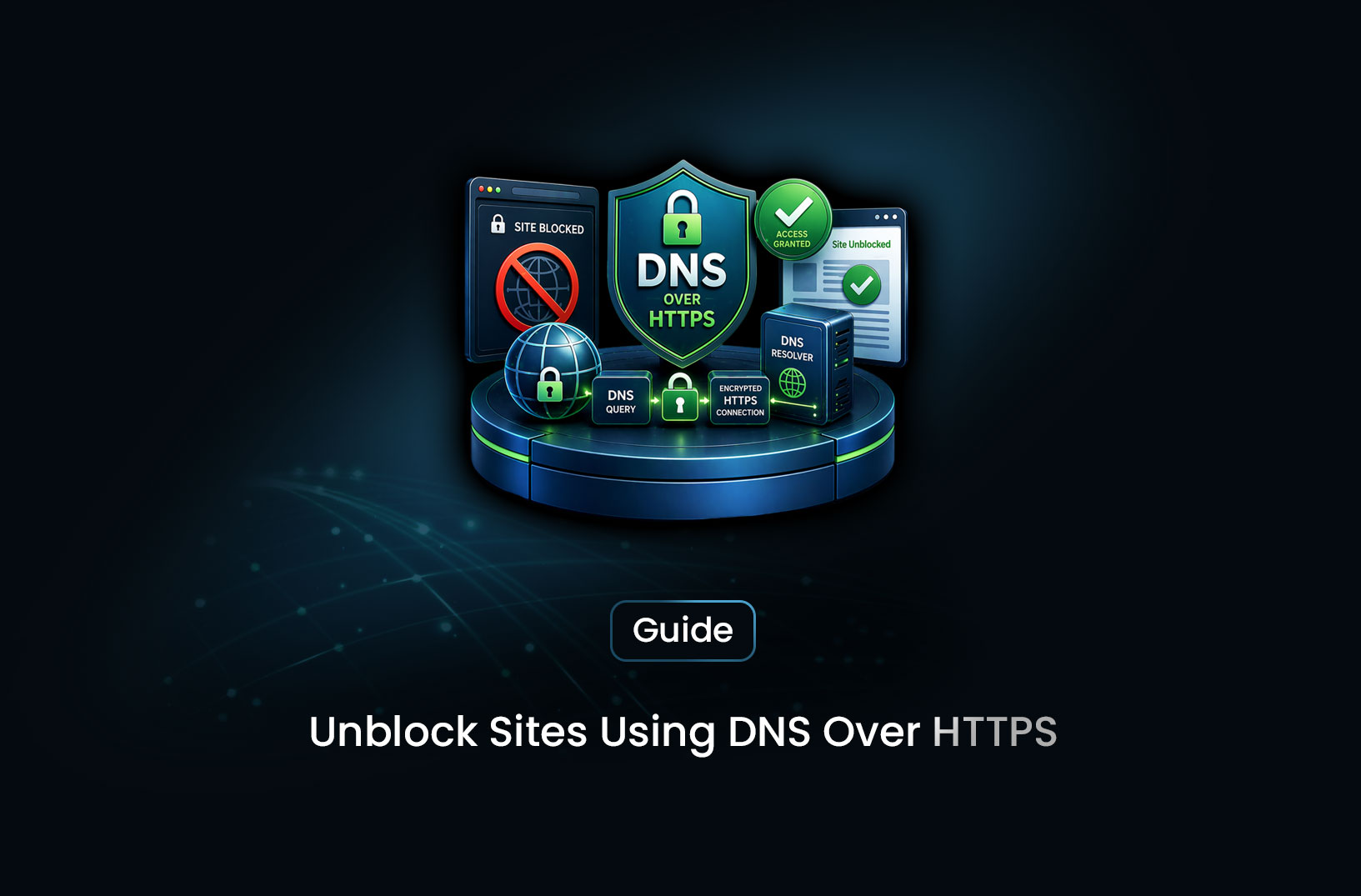
How to Unblock Restricted Sites using DoH without VPN
ProxiesMost internet blocks rely on simple DNS filtering—and that’s exactly where DNS over HTTPS (DoH) shines. Built into browsers like Firefox and Chrome, it lets you bypass restrictions quickly while improving your privacy, no extra tools required. With optional system-wide setup and lightweight alternatives like NextDNS or Cloudflare WARP, DoH offers a faster, cleaner solution than traditional VPNs for everyday browsing barriers.
You're at school, work, or maybe traveling abroad, and suddenly — the site you need is blocked. The page just won't load. Your first instinct might be to grab a VPN, but here's the thing: VPNs are overkill for a lot of situations, they're slow, sometimes cost money, and honestly, they can draw more attention than the problem they're solving.
Here's the good news: DNS over HTTPS (DoH) can unblock many restricted sites quietly, quickly, and for free — right from your browser or OS settings. No apps to install. No subscriptions. In many cases, it takes less than two minutes to set up. If your site is blocked at the DNS level (which is how most ISP and workplace filters work), DoH is your cleanest fix.
What is DNS over HTTPS (DoH)?
Let's start with the basics, because this is easier than it sounds.
Every time you type a URL into your browser — say, reddit.com — your computer doesn't actually know where that is. It needs to ask a DNS (Domain Name System) server: "Hey, what's the IP address for reddit.com?" The DNS server replies, and your browser connects. Simple enough.
The problem? That DNS query is usually sent in plain text, unencrypted, over port 53. Anyone between you and the DNS server — your ISP, your school's IT department, your government — can see exactly which domains you're looking up. And more importantly, they can block specific ones before your browser ever gets a response.
DNS over HTTPS solves this by wrapping your DNS queries inside regular HTTPS traffic — the same encrypted channel your browser uses for banking and shopping. According to Mozilla's documentation on DoH, this means your queries look like normal web traffic to anyone snooping on the network. Your ISP sees encrypted noise. Your school's filter doesn't know what domain you're looking up.
That's the magic. No VPN tunnel. No IP address changes. Just smarter DNS.
How Does DNS over HTTPS Actually Work?
Imagine your regular DNS query as a postcard — anyone who handles it along the way can read what's written on it. DoH is like putting that postcard inside a sealed envelope that only the recipient can open.
Here's the flow in plain terms:
- You type
example.comin your browser - Instead of sending a plain-text DNS query to your ISP's default resolver, your browser sends an encrypted HTTPS request to a DoH-compatible resolver (like Cloudflare's
1.1.1.1or Google's8.8.8.8) - The resolver responds with the IP address — also encrypted
- Your browser connects to the site normally
The key difference: the entity blocking sites (your ISP, network admin) never sees the DNS query. If they're blocking at the DNS layer — which is the most common, cheapest method of content filtering — their block simply doesn't apply anymore.
That said, DoH isn't a silver bullet. If a site is blocked at the IP level or via deep packet inspection, DoH won't help. But for the majority of everyday content restrictions? It's surprisingly effective.
Step-by-Step Guide: How to Use DNS over HTTPS
Let's walk through how to enable DoH. You can do this at the browser level (easier, affects only that browser) or at the OS level (affects all traffic on your device).
Option 1: Enable DoH in Firefox
Firefox was one of the first browsers to support DoH natively, and it's the most straightforward to configure.
- Open Firefox and go to Settings (hamburger menu → Settings)
- Scroll down to Network Settings and click Settings…
- At the bottom, check "Enable DNS over HTTPS"
- Choose a provider — Cloudflare is the default, or enter a custom resolver URL
- Click OK
That's it. Firefox will now route all DNS queries over HTTPS. As Mozilla's engineering blog notes, this also helps with tracking protection as a bonus.
Option 2: Enable DoH in Chrome / Edge
- Go to Settings → Privacy and Security → Security
- Scroll to "Use secure DNS"
- Toggle it on and select a provider (Cloudflare, Google, or custom)
Chrome uses the same DNS provider as your OS by default, but switches to that provider's DoH endpoint if it supports it. Setting it to Cloudflare (https://1.1.1.1/dns-query) gives you clean, fast resolution.
Option 3: Set DoH System-Wide on Windows 11
If you want every app on your machine to benefit — not just the browser — you can configure DoH at the OS level.
- Go to Settings → Network & Internet → Wi-Fi (or Ethernet) → Hardware Properties
- Next to DNS server assignment, click Edit
- Switch to Manual
- Enter a DoH-compatible DNS server:
- Cloudflare:
1.1.1.1and1.0.0.1 - Google:
8.8.8.8and8.8.4.4
- Cloudflare:
- Set DNS over HTTPS to On (automatic template)
- Save
Windows 11 natively supports DoH. Windows 10 requires a registry edit — Microsoft's documentation covers this in detail if you need to go that route.
Option 4: Configure DoH on macOS (Ventura and later)
macOS doesn't have a built-in DoH toggle yet, but you can use a configuration profile or a lightweight tool like dnscrypt-proxy to enable it system-wide. Alternatively, setting your DNS to Cloudflare (1.1.1.1) at the network level still routes through their infrastructure, and their macOS app enables full DoH automatically.
Choosing the Right DoH Resolver
Not all resolvers are created equal. Here are the most popular options:
| Resolver | DoH URL | Known For |
|---|---|---|
| Cloudflare | https://1.1.1.1/dns-query |
Speed, privacy-first, no logs |
https://dns.google/dns-query |
Reliability, global coverage | |
| NextDNS | https://dns.nextdns.io/ |
Customizable filters |
| AdGuard DNS | https://dns.adguard.com/dns-query |
Ad blocking + privacy |
Cloudflare's 1.1.1.1 is the go-to recommendation for most users — it's independently audited for privacy and consistently ranked among the fastest resolvers globally.
Common Challenges and Limitations
DoH is powerful, but it's honest — let's talk about where it won't help.
When DoH doesn't work:
- IP-level blocks: If the site's IP address is blocked (not just the domain), DoH bypasses the DNS filter but your connection will still be refused. This is common with more aggressive blocking systems.
- Deep Packet Inspection (DPI): Some corporate networks and government-level firewalls use DPI to inspect traffic regardless of encryption. Cloudflare's WARP or Tor would be better options here.
- DoH itself is blocked: Some restrictive networks block access to known DoH resolvers (like
1.1.1.1). In that case, try NextDNS or a lesser-known resolver, or use Cloudflare's WARP app which tunnels differently. - Geoblocked content: DoH changes DNS resolution, not your IP address. If Netflix blocks a region, DoH won't fool it — you'd need a VPN or proxy for that.
Privacy considerations to know:
When you switch to Cloudflare or Google DNS, you're trusting them instead of your ISP. That's usually a good trade, but it's not zero-trust. If you want maximum privacy, NextDNS lets you configure your own filtering rules and keeps minimal logs. For the truly paranoid, running your own DoH resolver with Pi-hole + cloudflared is the gold standard.
Browser vs. system-level DoH:
Enabling DoH in Firefox only protects DNS queries made by Firefox. Other apps — your email client, Slack, system updates — still use the OS resolver. For complete coverage, configure DoH at the OS or router level.
Conclusion
Here's the bottom line: DoH is one of those underrated tools that most people don't know about, but once you enable it, you wonder how you lived without it. It's free, it's built into every major browser, and for the most common type of content restriction — DNS-level filtering — it just works.
Start with Firefox or Chrome if you just want to unblock a site quickly. If you want everything on your machine to benefit, spend five minutes setting it up at the OS level. And if you're on a network that blocks the major resolvers, try NextDNS or explore Cloudflare WARP as a lightweight alternative.
VPNs have their place, but for simple DNS-based restrictions, DoH is a cleaner, faster, and more private solution.
What We Learned
- DoH encrypts your DNS queries inside HTTPS traffic, hiding them from ISPs, school filters, and network admins who rely on DNS-level blocking
- Most content restrictions are DNS-based, making DoH an effective bypass without needing a VPN or any extra software
- Browser-level DoH (Firefox, Chrome, Edge) is the fastest way to get started — takes under two minutes
- System-level DoH on Windows 11 or via tools like dnscrypt-proxy protects all apps, not just your browser
- Cloudflare's 1.1.1.1 is the fastest, most privacy-friendly default resolver — but NextDNS and AdGuard offer more customization
- DoH has real limits: IP-level blocks, DPI, and geo-restrictions are not affected — know when to reach for a VPN instead
FAQ
Is using DNS over HTTPS legal? Yes, in virtually all countries. DoH is a standard privacy technology built into major browsers by Firefox and Google. It doesn't circumvent laws — it just encrypts your DNS traffic the same way HTTPS encrypts your web browsing.
Does DoH slow down my internet? In most cases, no — and it can actually be faster. Cloudflare's
1.1.1.1is consistently ranked as the world's fastest public DNS resolver, and the overhead from HTTPS encryption is negligible on modern hardware.Can my school or employer detect that I'm using DoH? They can see you're sending HTTPS traffic to a known DNS resolver IP (like
1.1.1.1), but not what domains you're looking up. Some strict networks block known DoH resolvers precisely because of this — in which case, try a less-known resolver or Cloudflare WARP.What's the difference between DoH and DoT (DNS over TLS)? Both encrypt DNS queries. DoT uses a dedicated port (853) which is easier for network admins to identify and block. DoH uses port 443 — the same as regular HTTPS — making it much harder to block without disrupting normal web traffic entirely.
Does DoH work on mobile? Yes. On Android 9+, enable "Private DNS" in network settings and enter a DoH-compatible hostname. On iOS, you can use a configuration profile or apps like 1.1.1.1 by Cloudflare to enable DoH system-wide.
Summarize this post
Open it in your assistant of choice with the prompt ready to send.
Take a Taste of Easy Scraping!


Find more insights here

Scaling E-commerce Competitive Intelligence with Automated Data Harvesting
Scale e-commerce data harvesting with residential proxies and AI. Learn how modern data extraction s…

Scaling Data Extraction via AI-Driven Dynamic Selectors
Learn how AI-driven dynamic selectors and residential proxies reduce web scraping maintenance costs…

Why MrScraper is the Best ScraperAPI Alternative for No-Code Users
Compare ScraperAPI alternatives and discover why visual, AI-powered extraction is better for no-code…