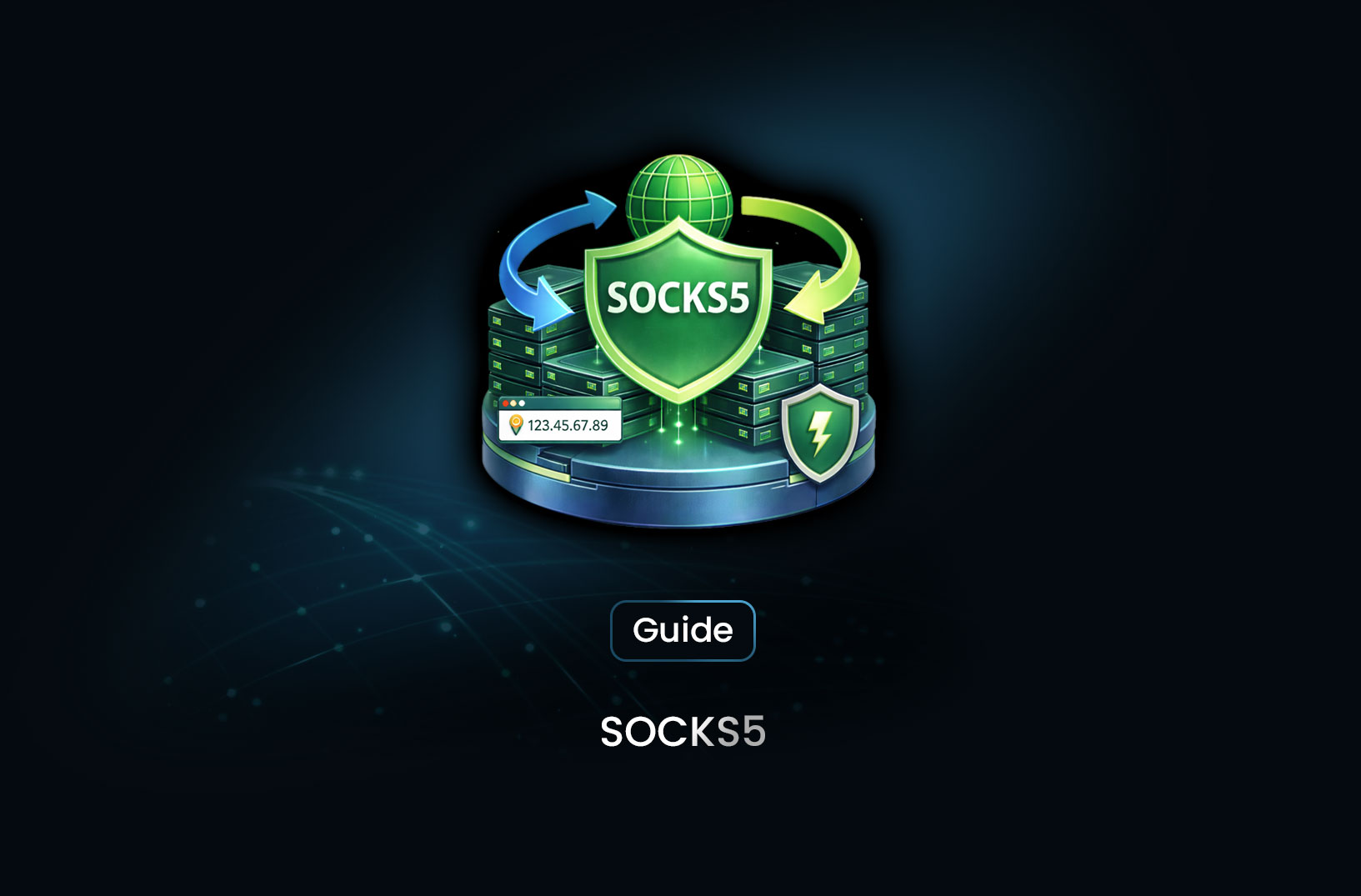
How to Use a SOCKS5 Proxy Server
GuideA SOCKS5 proxy is simply a piece of infrastructure that sits between your device and the internet and forwards network traffic for you. Unlike a basic HTTP proxy that only understands web requests, a SOCKS5 proxy works at a lower level.
A SOCKS5 proxy is simply a piece of infrastructure that sits between your device and the internet and forwards network traffic for you. Unlike a basic HTTP proxy that only understands web requests, a SOCKS5 proxy works at a lower level. That means it doesn’t parse or rewrite traffic, it just relays it. Because of that, it can handle more types of traffic and offers more flexibility for users.
This article explains what a SOCKS5 proxy does, how you can use one on different systems and applications, and some practical considerations you’ll run into when setting it up or troubleshooting it.
What SOCKS5 Really Is
At its core, SOCKS5 is a protocol for routing traffic through an intermediary server. When you configure a client to use a SOCKS5 proxy, every packet that client sends goes first to the proxy. The proxy then connects to the destination on your behalf and forwards traffic back and forth. It doesn’t care whether the traffic is HTTP, FTP, or something else. For this reason, it’s sometimes called protocol-agnostic.
Compared with older versions like SOCKS4, SOCKS5 adds:
- Support for authentication
- UDP traffic relay options (ideal for streaming and gaming)
- Ability to handle IPv6 as well as IPv4
- Better support for firewalls and modern use cases
These new features make SOCKS5 a common choice for situations where you need more than simple web browsing proxies.
Where SOCKS5 Fits In
Most people consider SOCKS5 when they need one (or more) of the following:
- Web Scraping: Bypassing IP-based restrictions and avoiding detection by rotating through different proxy addresses.
- Traffic Routing: Routing all traffic for a specific tool (e.g., torrent client) through a proxy.
- Privacy: Hiding your origin IP from the destination to maintain anonymity.
- Bypassing Restrictions: Overcoming regional content blocks or strict network firewalls.
Because SOCKS5 doesn’t interpret or rewrite higher-level protocols like HTTP, it tends to be faster for many non-web use cases. That also means it leaves SSL/TLS intact for secure sessions.
The Choice: Free vs. Paid Proxies
When setting up your SOCKS5 infrastructure, you'll eventually face the choice between free and paid services. While free SOCKS5 proxies are accessible without financial commitment and can help with casual tasks, they come with significant risks:
- Security: Public proxies can be compromised, potentially exposing your data to third parties.
- Stability: Free lists often suffer from slow speeds and frequent disconnections.
- Reliability: Because they are shared by thousands of users, they are quickly flagged and blocked by major websites.
For professional use cases—like large-scale data extraction or secure business browsing—paid SOCKS5 proxies or dedicated tools like MrScraper are generally recommended to ensure higher uptime and better security.
How to Configure SOCKS5 on Your System
Windows System-Wide Setup
Windows doesn’t provide a robust way to enter SOCKS5 credentials in its default network settings. If you just have an IP and port, you can enter them in:
- Settings → Network & Internet → Proxy
- Toggle Use a proxy server
- Enter the SOCKS5 IP and port
If you need username/password authentication, you’ll likely need a third-party tool like Proxifier or ProxyCap. These let you route all traffic from specified applications through a SOCKS5 proxy and handle authentication fields that the native OS doesn’t.
macOS and Linux
On macOS, open System Preferences → Network → Advanced → Proxies. Check “SOCKS Proxy,” then enter the server address and port. If your proxy service requires authentication, you can tick “Proxy server requires password.”
On Linux, exporting an environment variable often does the trick:
export all_proxy=socks5://PROXY_IP:PORT
Replace PROXY_IP and PORT with your proxy’s details. After exporting this, many command-line and GUI apps respect the all_proxy setting.
Browsers
Firefox allows you to set SOCKS5 directly in its network settings:
- Settings → General → Network Settings → Settings
- Choose “Manual proxy configuration”
- Enter your SOCKS5 host and port
- Optionally check “Proxy DNS when using SOCKS v5” to prevent DNS leaks
Chrome, Edge, and Brave don’t natively support SOCKS5 with authentication in their own settings. Instead, use an extension like ZeroOmega to manage profiles and credentials.
Application-Level SOCKS5 Configuration
Some tools let you configure a SOCKS5 proxy directly, without touching system settings.
Using SOCKS5 in Python
For developers and data analysts, SOCKS5 is often integrated directly into scripts for automation. To use SOCKS5 with the popular requests library, you first need to install the SOCKS support:
pip install requests[socks] pysocks
Then, you can route your requests like this:
import requests

proxy = {
    "http": "socks5h://user:pass@PROXY_IP:PORT",
    "https": "socks5h://user:pass@PROXY_IP:PORT"
}

response = requests.get("https://example.com", proxies=proxy)
print(response.text)
Command-Line and Other Tools
cURL example:
curl --socks5-hostname user:pass@PROXY_IP:1080 https://example.com
That tells curl to route the request through your SOCKS5 proxy, with DNS resolution handled by the proxy itself (reducing leaks).
In many torrent clients (such as qBittorrent), you can enter SOCKS5 settings under Connection or Proxy options. You’ll usually need to supply:
- Proxy type (SOCKS5)
- Host/IP
- Port
- Username/password (if required)
Testing and Troubleshooting
Once configured, it’s essential to verify that traffic actually flows through the proxy. A quick way is to visit an IP checker site after setting up the proxy. If the reported IP matches your SOCKS5 endpoint, the connection works.
If it fails:
- Check Credentials: Ensure the username and password (if any) are correct.
- Verify Port: Ensure your firewall or router isn’t blocking port 1080 (the common SOCKS5 default).
- DNS Leaks: If you are still being blocked by a site, try setting DNS to proxy mode or using
socks5h://to ensure DNS requests are handled by the proxy server rather than your local machine.
In some cases, tools won’t respect system or environment proxy settings. That’s when utilities like proxychains or application-level proxy config come into play. If managing proxies manually becomes too complex, using an automated service like MrScraper can handle IP rotation and proxy management for you automatically.


Find more insights here
How to Monitor Website Changes Automatically With a Web Scraping API
Learn how to monitor website changes automatically using a web scraping API — content diffing, chang...
How to Scrape Google Maps Business Data With Browser Automation (Step-by-Step Guide)
Learn how to scrape Google Maps business data using browser automation — listings, NAP, hours, ratin...
How to Avoid Triggering CAPTCHA Challenges
Learn how to avoid triggering CAPTCHA challenges in web scraping — the detection signals that cause...
