Everything You Need to Know About Screen Scraping and Its Modern Applications
ArticleScreen scraping is the process of extracting on-screen data from applications or websites when no API access is available. It’s still valuable for automation and legacy system integration, though newer technologies are making it more efficient and compliant.
What Is Screen Scraping?
Screen scraping is the process of extracting data from a computer display or web page by reading the information rendered on the screen—rather than pulling it from a structured database or API. It’s one of the earliest forms of data automation and still plays a major role in business data collection and integration today.
Unlike modern web scraping, which interacts directly with a site’s HTML or API, screen scraping captures data from the visual layer. This makes it useful when there’s no direct data access or API available.
How Screen Scraping Works
Screen scraping tools simulate user actions—like viewing a web page or interacting with a software interface—and then extract the visible text or data elements. Here’s a simplified breakdown of the process:
- Display Parsing – The software reads the visual layout or user interface elements.
- Pattern Recognition – It identifies data fields, labels, or text patterns.
- Data Extraction – The targeted data is copied and structured into readable formats (CSV, JSON, or database tables).
- Automation Integration – The extracted data is processed or combined with other systems for analysis or automation.
Modern screen scraping tools often use OCR (Optical Character Recognition) or AI-based parsing to improve accuracy and handle dynamic web interfaces.
Common Use Cases
Screen scraping is widely used in industries that rely on legacy systems or have limited API access. Key examples include:
- Financial Services – Extracting transaction data from old banking software.
- E-commerce – Gathering pricing and stock data from competitor sites.
- Enterprise Integration – Migrating data from outdated applications to new platforms.
- Data Monitoring – Tracking real-time visual dashboards or market data displays.
In some cases, screen scraping is also used as a bridge technology—helping companies transition from legacy systems to modern digital platforms.
Benefits of Screen Scraping
- Legacy System Compatibility – Works even when APIs don’t exist.
- Automation Efficiency – Reduces manual data entry.
- Flexible Data Extraction – Can capture both static and dynamic visual data.
- Quick Setup – Often faster to deploy than API-based integrations.
Limitations and Legal Considerations
While powerful, screen scraping comes with challenges:
- Accuracy Issues – Visual layouts can change, breaking the scraper.
- Maintenance Overhead – Frequent UI updates require script adjustments.
- Legal Risks – Some sites restrict scraping under their terms of service.
- Performance Limitations – Visual extraction is slower than structured API calls.
Organizations using screen scraping should ensure compliance with data privacy laws (like GDPR) and the terms of the target platforms.
Modern Alternatives
Today, many businesses are shifting to API-based scraping, RPA (Robotic Process Automation), or AI-driven data extraction tools for greater scalability and reliability. However, screen scraping still remains relevant where APIs are unavailable or restricted.
Conclusion
Screen scraping continues to serve as a practical tool for data collection—especially when dealing with legacy systems or closed interfaces. While it has limitations, advancements in OCR and AI are keeping it relevant as part of broader automation and data integration strategies.


Find more insights here
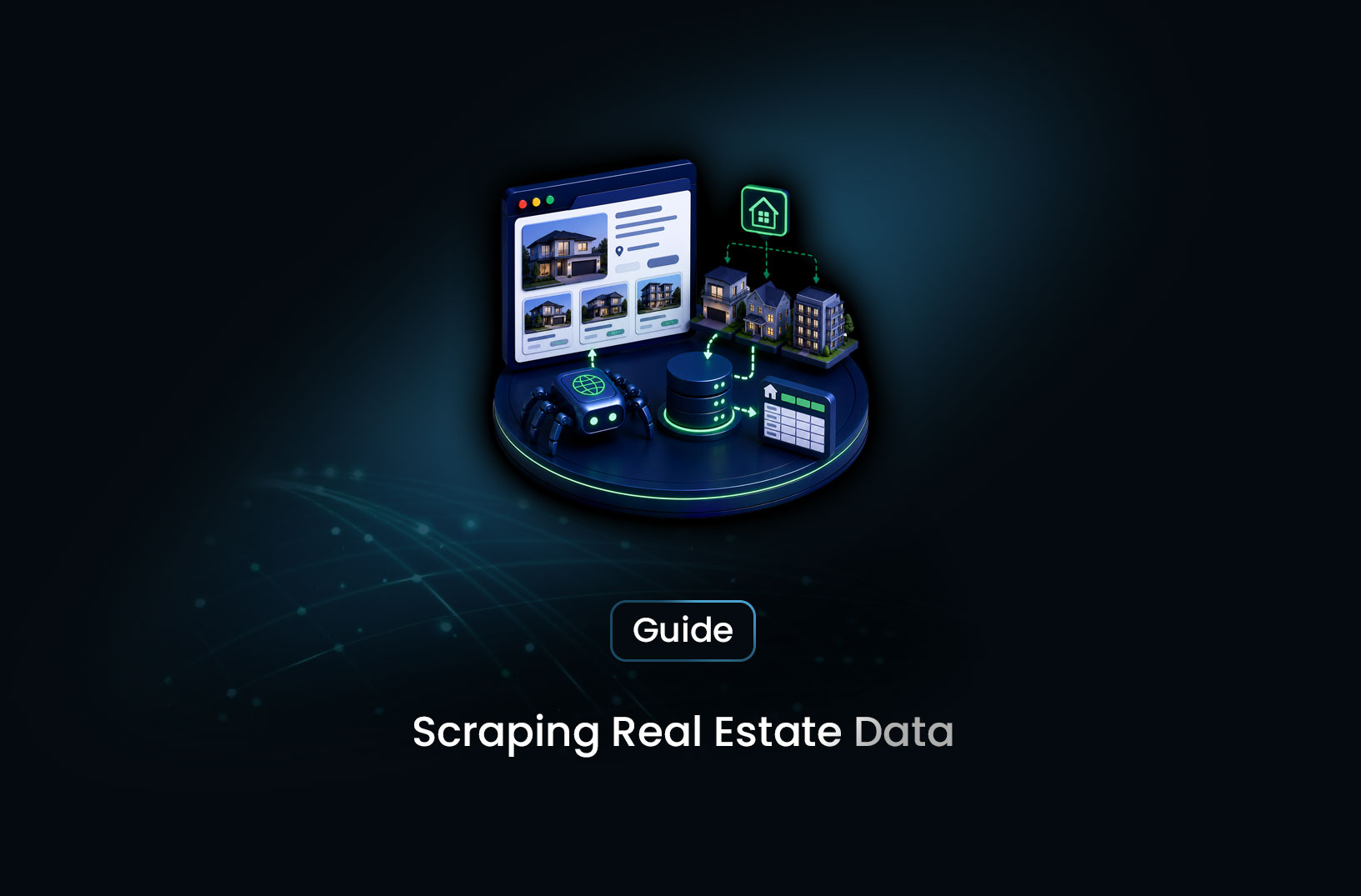
How to Collect Real Estate Data at Scale With a Web Scraping API
Learn how to collect real estate data at scale using a web scraping API — property listings, pricing...
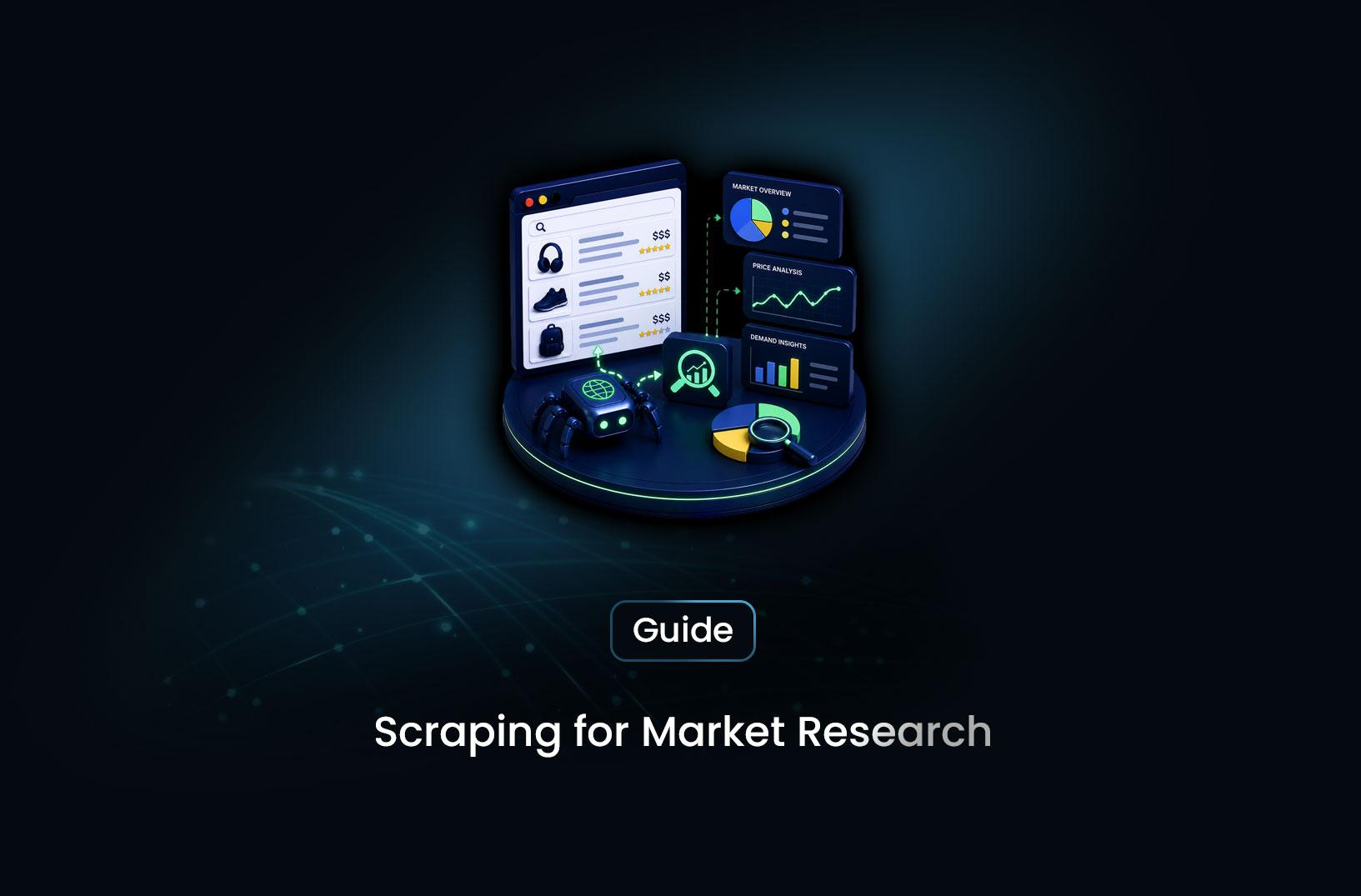
How to Use a Web Scraping API for Market Research (Step-by-Step Guide)
Learn how to use a web scraping API for market research — collecting competitor data, pricing intell...
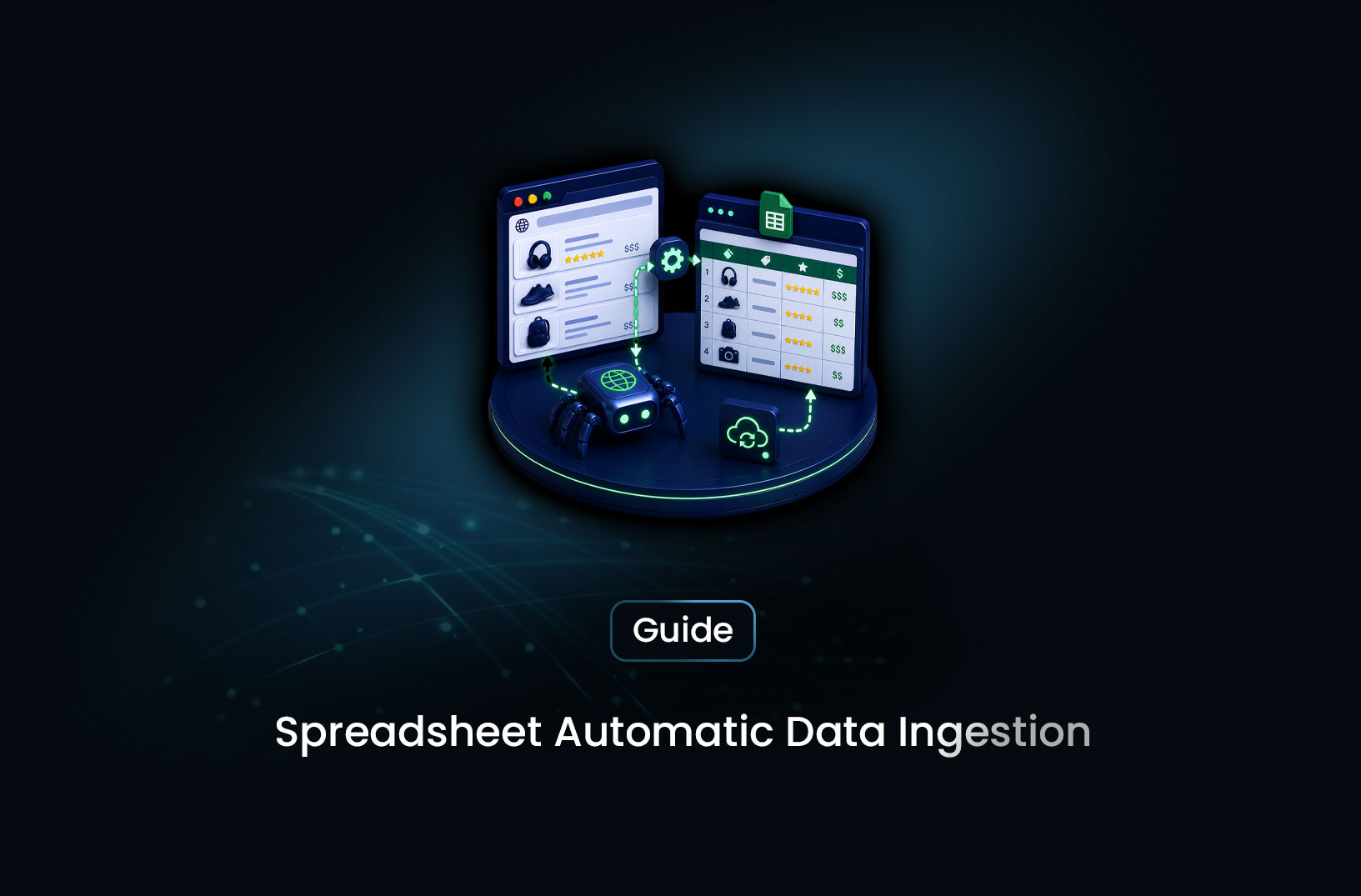
How to Automatically Extract Tables From Websites Into a Spreadsheet
Learn how to automatically extract tables from websites into a spreadsheet — using Python pandas, Go...
