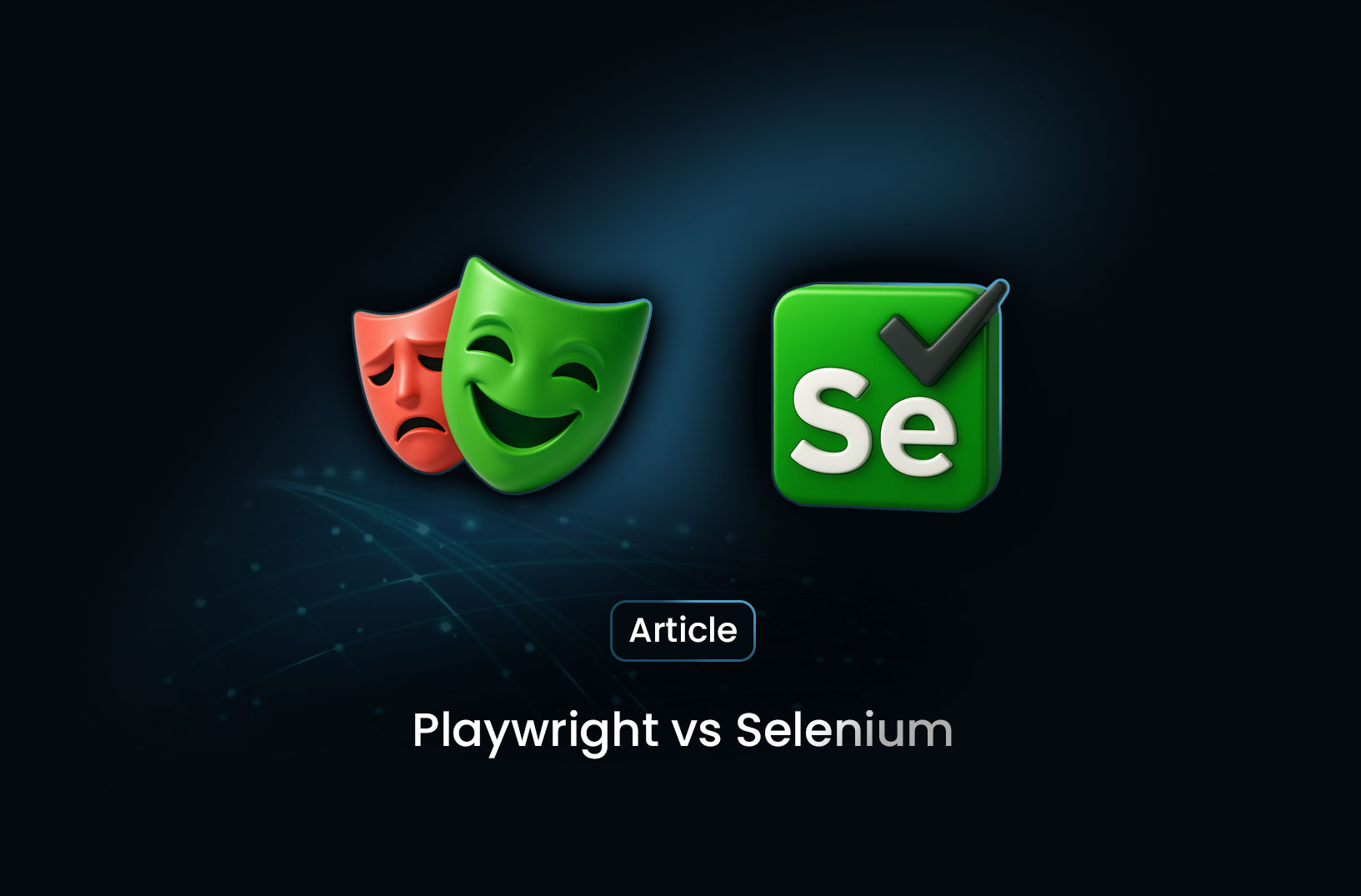
Playwright vs Selenium: Choosing the Right Tool for Web Automation in 2025
ArticleSelenium is An open-source framework that has been instrumental in automating web browsers. It supports multiple programming languages and a wide range of browsers, making it a versatile choice for many developers. While Playwright is developed by Microsoft, Playwright is a newer entrant in the automation space. It offers a unified API to automate Chromium, Firefox, and WebKit browsers, emphasizing speed, reliability, and modern web features.
In the realm of web automation and testing, Playwright and Selenium stand out as two of the most prominent tools. While Selenium has been a staple in the industry for years, Playwright has emerged as a modern alternative offering enhanced features and performance. This article delves into a comprehensive comparison between Playwright and Selenium, helping you determine which tool aligns best with your project's needs.
Overview of Playwright and Selenium
Selenium: An open-source framework that has been instrumental in automating web browsers. It supports multiple programming languages and a wide range of browsers, making it a versatile choice for many developers.
Playwright: Developed by Microsoft, Playwright is a newer entrant in the automation space. It offers a unified API to automate Chromium, Firefox, and WebKit browsers, emphasizing speed, reliability, and modern web features.
Key Comparisons
1. Performance and Speed
-
Playwright: Utilizes a WebSocket connection for communication, leading to faster execution and reduced latency. Its architecture allows for quicker interactions with web elements.
-
Selenium: Relies on the WebDriver protocol, which communicates over HTTP. This can introduce additional latency, making it comparatively slower than Playwright.
2. Browser and Language Support
-
Selenium: Supports a broader range of browsers, including Chrome, Firefox, Safari, Edge, and Internet Explorer. It also offers bindings for multiple programming languages like Java, Python, C#, Ruby, and more.
-
Playwright: Primarily supports Chromium, Firefox, and WebKit. Language support includes JavaScript, TypeScript, Python, Java, and C#.
3. Ease of Setup and Use
-
Playwright: Offers a streamlined setup process with built-in browser binaries, reducing configuration overhead. Its modern API design simplifies writing and maintaining tests.
-
Selenium: Requires separate WebDriver installations for each browser, which can complicate the setup process. However, its extensive documentation and community support can aid in overcoming setup challenges.
4. Debugging and Reporting
-
Playwright: Provides advanced debugging tools like Playwright Inspector, along with features like video recording and trace viewing, facilitating easier test analysis.
-
Selenium: While it supports basic logging and screenshot capabilities, it lacks built-in advanced debugging tools, often requiring third-party integrations for enhanced reporting.
5. Community and Ecosystem
-
Selenium: Boasts a large and active community, given its long-standing presence in the industry. This results in a wealth of resources, plugins, and integrations.
-
Playwright: Being relatively new, its community is growing rapidly. While it may not match Selenium's ecosystem yet, its modern features are attracting a significant user base.
Use Cases
-
Choose Selenium if:
-
You require extensive browser and language support.
-
You're working on legacy systems or need to test on older browser versions.
-
A vast community and extensive documentation are crucial for your project.
-
-
Choose Playwright if:
-
Speed and modern web feature support are top priorities.
-
You need advanced debugging tools and built-in reporting.
-
Simplified setup and maintenance are essential.
-
Conclusion
Both Playwright and Selenium offer robust solutions for web automation. Your choice between the two should hinge on your project's specific requirements, such as browser support, performance needs, and available development resources. As the web continues to evolve, tools like Playwright and Selenium will adapt, ensuring developers have the means to deliver reliable and efficient web applications.


Find more insights here
AI Web Scraping: The Complete Guide to Intelligent Data Extraction
A complete guide to AI web scraping — how LLMs enable selectorless data extraction, schema-driven ou...
Browser Automation for Web Scraping: Tools and Best Practices
A complete guide to browser automation for web scraping — Playwright, Puppeteer, Selenium compared,...
How to Scrape Websites Without Getting Blocked: A Complete Guide
A complete guide to scraping websites without getting blocked — proxy rotation, browser fingerprinti...
