


 Where productivity meets simplicity.
 Turn any scraper into a live API.
- Activate any AI or manual scraper as an endpoint
- Built-in pagination handles multi-page listings automatically
- Streaming responses so multi-page jobs never lose data
Trusted by teams at







How it works
One API. Every scraper you've built.
Scraper API
Target Site
Structured Data
What happens under the hood?
Fingerprinting
Every request looks like it came from a genuine device. We rotate real browser fingerprints so the target site sees a real visitor, not a script.
Learn more →CAPTCHA Solver
A CAPTCHA wall never reaches your pipeline. CAPTCHAs are solved automatically in the background.
Learn more →Proxy Rotation
No single IP ever gets flagged, banned or rate-limited. Requests rotate across residential proxy IPs in many countries.
Learn more →Retry Logic
No retry code needed. Failed or blocked requests retry automatically with smart backoff.
Learn more →Built to run at API scale
The Scraper API runs on the same infrastructure powering every MrScraper request. REST endpoints, JSON responses, and predictable behavior your team can build on with confidence.
One-Click API Activation
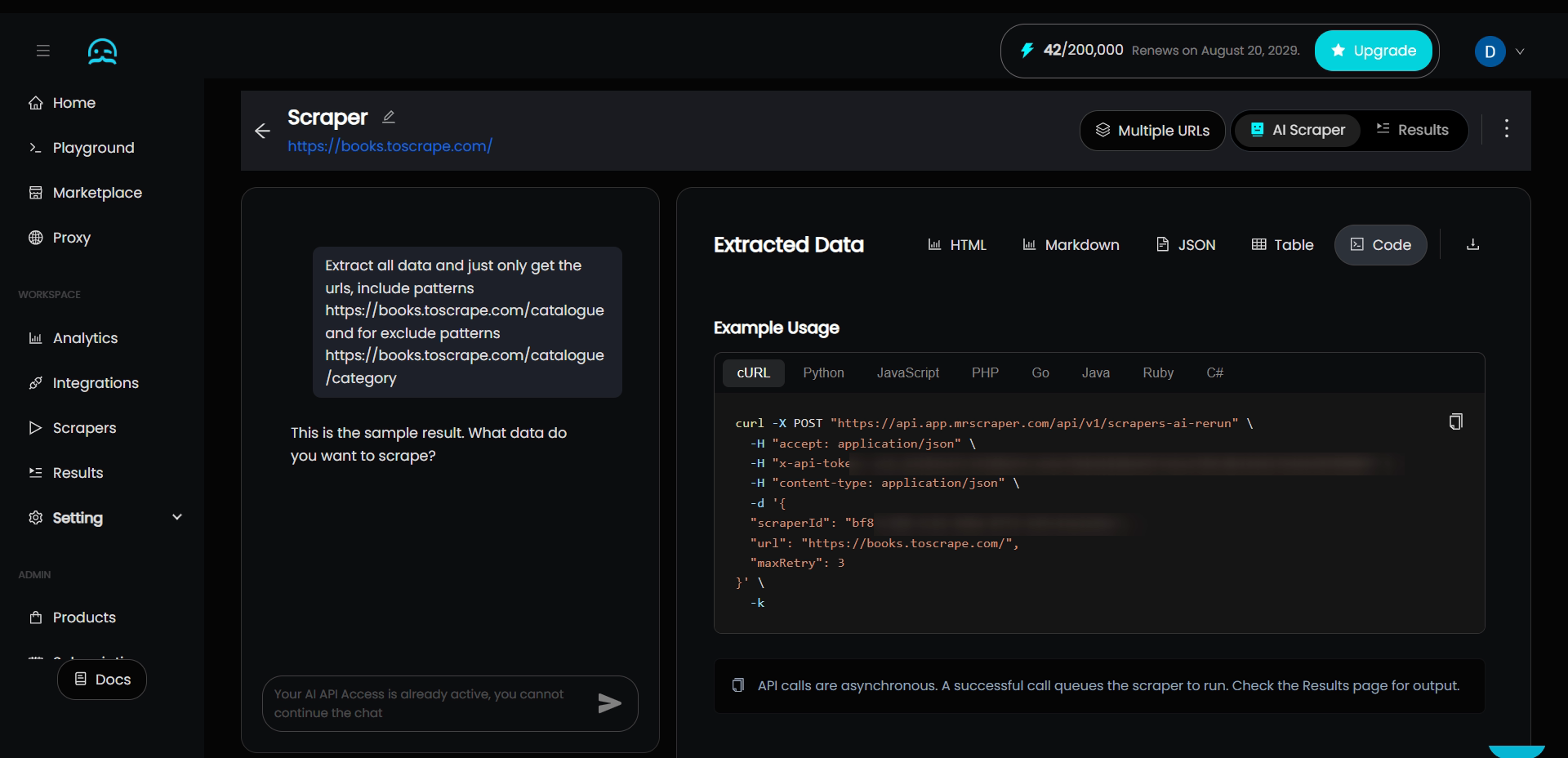
Already built a scraper in the dashboard? Flip one toggle in Settings and it's live as an API endpoint. No separate integration, no rewriting logic, just a request away.
- Activates any AI or manual scraper
- Ready-made request example, copy into Postman
- Swap in any URL without rebuilding the scraper

Multi-Page & Streaming
Real estate listings, marketplace catalogs, and search results often span dozens of pages. Set max pages to control how deep to go, and turn on streaming to keep every page already scraped, even if the job runs long or the connection drops.
- Paginate listings with a single parameter
- Streaming keeps partial data on interruption
- Built for long-running jobs

Prebuilt Scrapers
Skip building a scraper from scratch for the sites everyone needs. MrScraper ships ready-made endpoints for major marketplaces and travel platforms, plus structured parsers for products, hotels, jobs, and more.
- Shopee, TikTok, Lazada, Walmart, Alibaba & more
- Agoda, Booking.com, Expedia, Skyscanner & more
- Structured parsers for products, hotels, jobs & articles

More powerful capabilities
Quick Start
Already have a scraper? Copy your API request, swap in your token and target URL, and you're extracting data in minutes - no new integration to build.
curl --location 'https://app.mrscraper.com/api/ai' \
--header 'Accept: application/json' \
--header 'Content-Type: application/json' \
--header 'Authorization: Bearer API_TOKEN' \
--data '{
    "urls": ["https://www.indeed.com/jobs?q=USA"],
    "min": 100,
    "max": 200,
    "timeout": 180,
    "schema": {
        "type": "array",
        "description": "List of jobs",
        "items": {
            "type": "object",
            "properties": {
                "job_title": { "type": "string" },
                "job_url": { "type": "string" },
                "job_location": { "type": "string" }
            }
        }
    }
}' {
"data": [
{
"job_title": "Software Engineer",
"job_url": "https://www.indeed.com/viewjob?jk=9eb40bc4",
"job_location": "Austin, TX"
}
],
"status": "finished"
} Integrations
Drop MrScraper straight into the tools you already use. Trigger scrapes from Zapier or n8n, call the API from Python or Node, or let your AI agent reach it directly through MCP.
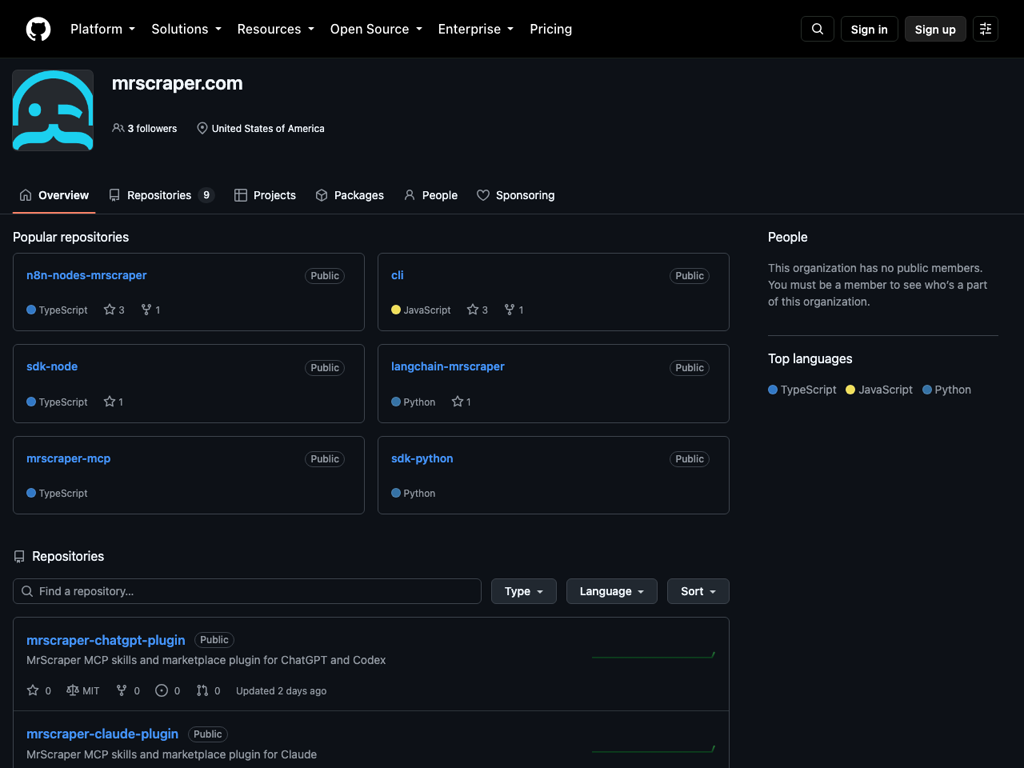
Build with AI agents
Use the Scraper API with Claude, Cursor, Copilot, or any MCP-compatible agent. Explore our open-source SDKs, starter repos, and MCP server on GitHub.
View GitHubEverything You Need to Turn the Web Into Data
From one-off extraction to recurring data pipelines, MrScraper gives you flexible tools to collect and deliver web data.
- 20,000 tokens included
- Unblock any website
- Include 10GB free residential proxy
- Manual and API-based scraping
- Marketplace scraping APIs
- AI-powered structured extraction
- Usage analytics and monitoring
- Scheduled and repeatable workflows
- Webhooks and workflow integrations
- CSV / structured-data friendly exports
Need the full picture? Compare all plans
MrScraper vs Self-managed: Key differences
| Feature | MrScraper Recommended | Self-managed |
|---|---|---|
| Infrastructure | Included | No Build and host it yourself |
| CAPTCHA handling | Included | No Third-party solver required |
| Proxy rotation | Included | No Buy and manage proxy pools |
| Fingerprint management | Included | No Patch evasions on every update |
| Geo coverage | Included 195+ countries | No Limited to the IPs you source |
| Retry logic | Included | No Write and maintain your own |
| Engineering time | Low | High |
Is something inaccurate? Send your suggestions.
Related comparisons:
Security & Compliance


Independently audited security & compliance standards.
Explore Our Products

FAQ
Answers to the questions we get asked most.
What happens after the 7-day trial?
After your trial ends, your subscription starts on the billing plan you selected. The standard monthly plan is $19/month and includes 20,000 MrScraper tokens. You can cancel before the trial ends to avoid the first charge.
Can I cancel before the trial ends?
Yes. You can cancel anytime from your dashboard before the trial ends and you will not be charged.
How do I get my API Token?
Sign up, open your dashboard, and copy the token from the API section. The documentation walks you through your first authenticated request.
Can I use MrScraper without coding?
Yes. The visual scraper lets you extract data without writing any code, and integrations like Zapier and n8n let you automate scrapes entirely without a developer.
Glossary
Learn the terminology. Key concepts you should know before getting started.
Browser Fingerprinting
How websites identify and track browser characteristics.
Headless Browser
A browser that runs without a UI, used to render dynamic pages.
IP Rotation
Switching outbound IP addresses to distribute requests.


Build at enterprise scale. Scrape at startup speed
High-performance data extraction you can deploy in minutes - reliable, compliant, and built for growth.